OSIS Camp Suite
The complete digital infrastructure for running boarding schools, sports camps and residential courses. One platform that brings check-in, communication, logistics and safety together — with full native feature parity on iOS and Android.
Native architecture and instant access
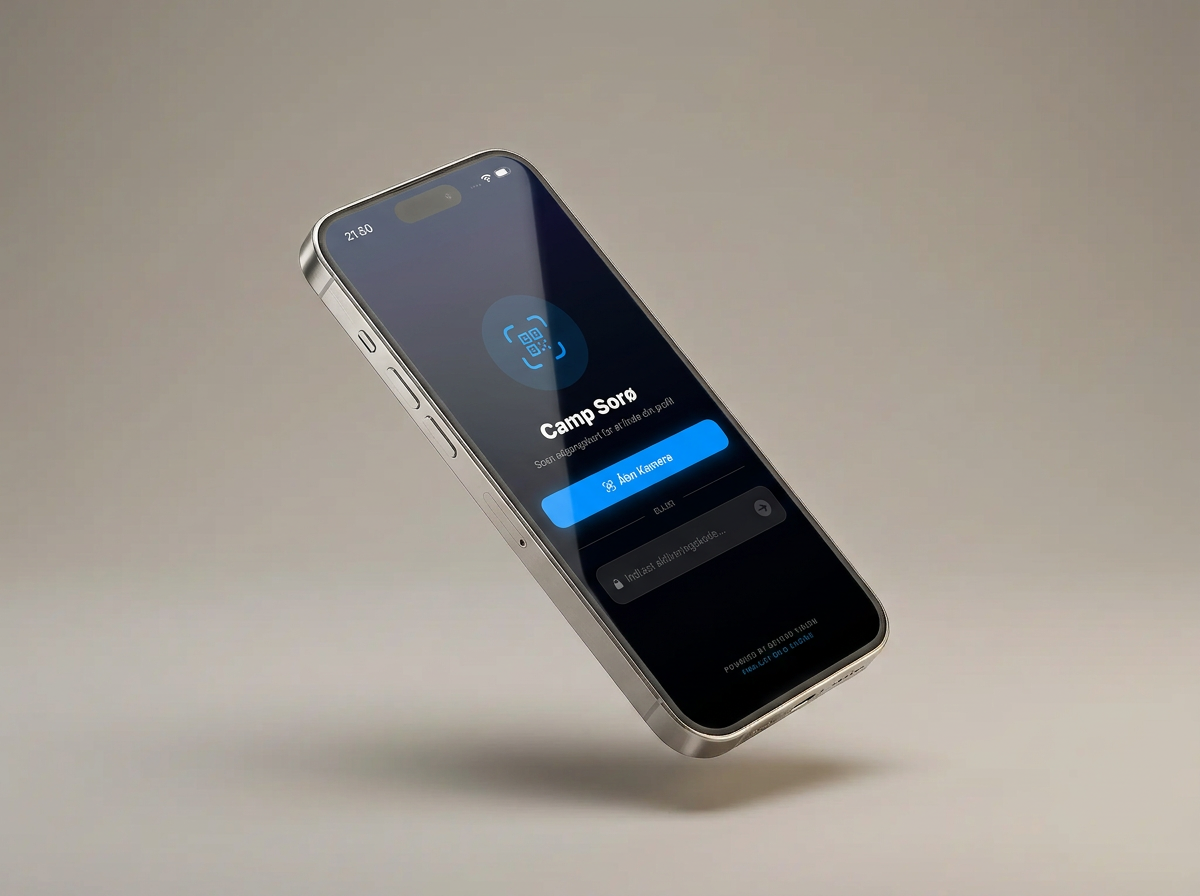
OSIS Camp Suite is built on a fully native Swift/SwiftUI and Android Kotlin/Jetpack Compose architecture — no web wrapper, and no compromise on performance or feel.
Campers and staff get in with the camp's activation code: scan the QR code on the noticeboard, or type the code in by hand. From then on every user carries their own personal QR code in the app, which staff scan to check them in on arrival — either from their own phone or from a web-based check-in kiosk.
- 100% native feature parity (iOS and Android)
- Activation by QR scan or a manual code
- Personal QR check-in with an instant scan flow
- Haptic feedback on actions and confirmations
Your own view of camp
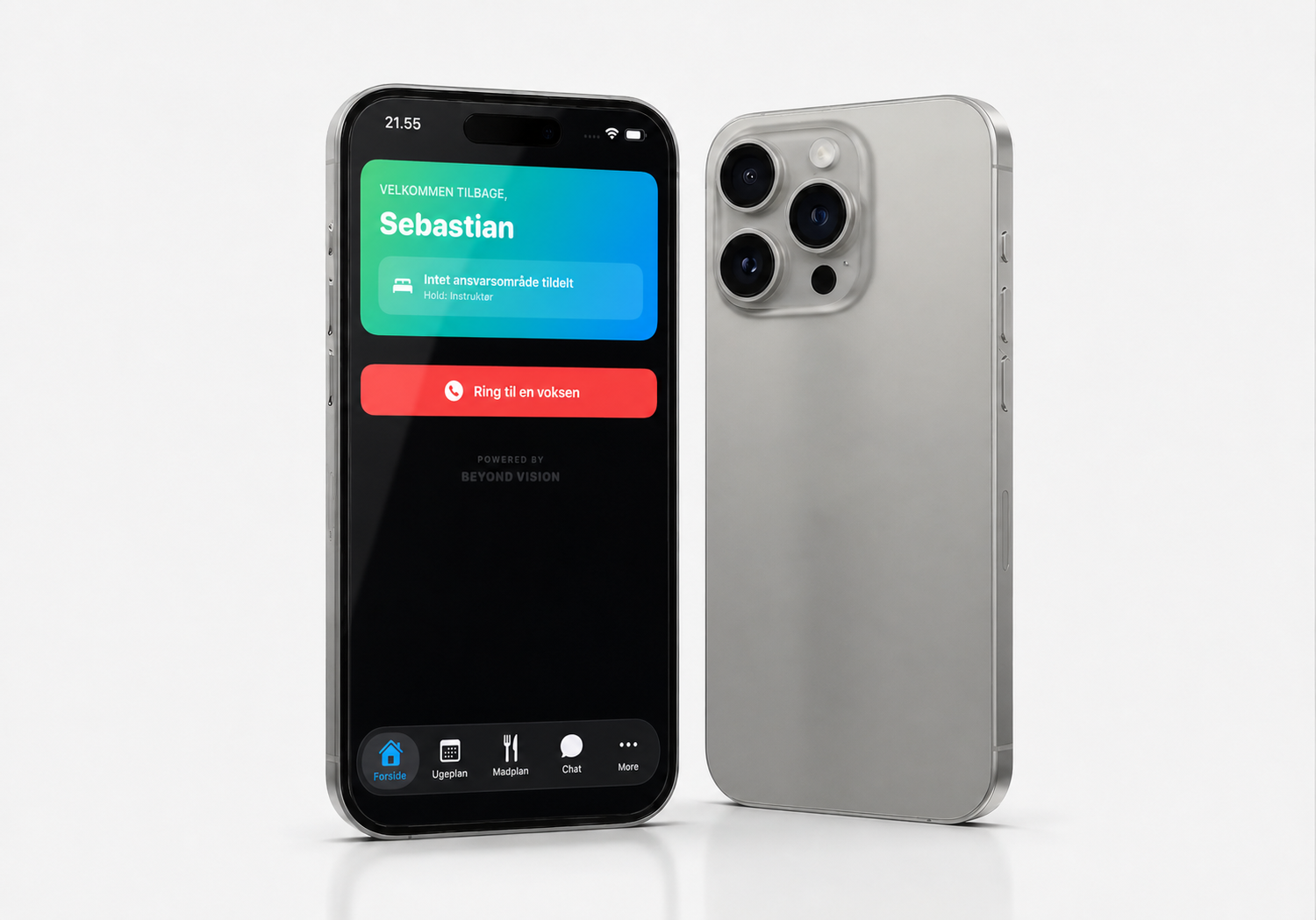
The home screen is tailored to each user: name, group and — depending on their role — either their own room or the area they are responsible for. A single safety button calls the camp's duty phone directly, and the system switches automatically to the night duty number between 22:00 and 07:00 if the camp has set that up.
Announcements from the camp leader appear in real time, with nobody having to reload the app. The week's schedule can be filtered down with ❤️ favourites, and the menu can be voted up or down 👍/👎 day by day.
- A personalised dashboard per role
- A safety button that switches between day and night duty automatically
- A real-time noticeboard with no reloading
- A weekly schedule with favourites, and a menu with daily voting
Oversight and peace of mind for the staff
The lights-out round is built to be done fast, one-handed, in the dark: the instructor swipes right for "present" and left for "missing", while the app keeps track of who has still not been checked. Campers marked "gone home" or "sleeping at home" are left out automatically, so nobody is wrongly counted as missing.
The camp leader can let campers submit roommate preferences through a link, after which the system proposes an allocation based on those wishes — with the option to try again or approve it. The medication card keeps track of who needs what and when, resetting automatically every day, and a direct chat lets campers write to the staff, and staff write to each other.
- A swipe-based lights-out round with an automatic overview of who is missing
- Room allocation based on the campers' own preferences
- A medication card that resets daily
- Direct chat between campers and staff
One platform, many camps
OSIS Camp Suite is built as a multi-tenant SaaS platform: every school or camp gets its own isolated data set, its own logo and its own accent colour, without sharing data with any other camp on the system. Because the client devices handle the interface work, the platform's marginal cost stays low — which makes it scale from a single sports school up to large national camps.
With a strong, demonstrable ROI that removes the cost of SMS gateways, paper and wasted time, the platform is a substantial software asset with a total formal commercial market value of DKK 1.25 million.
Try the app
What a day at camp looks like on the phone
This is the Camp Suite app that participants and instructors carry in their pocket. Click your way through — these are the same screens that ran at Camp Sorø.
More
If the office changes the schedule, it is on the phone immediately.