Big screen
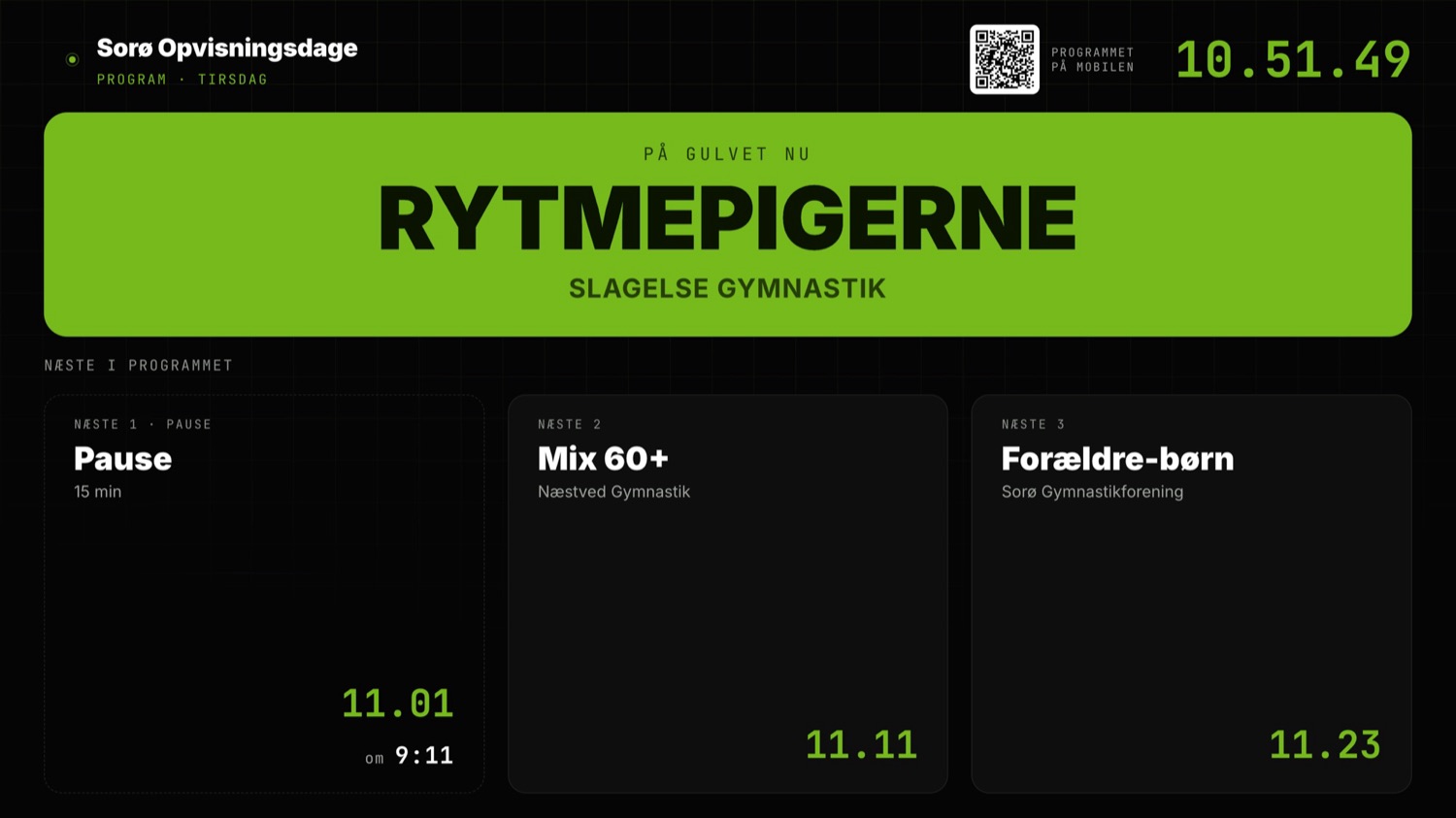
The team on the floor in large format with logo and photo, the next team and a clock. It also does a welcome screen, a countdown, sponsors and a closing message.
OSIS LiveSync
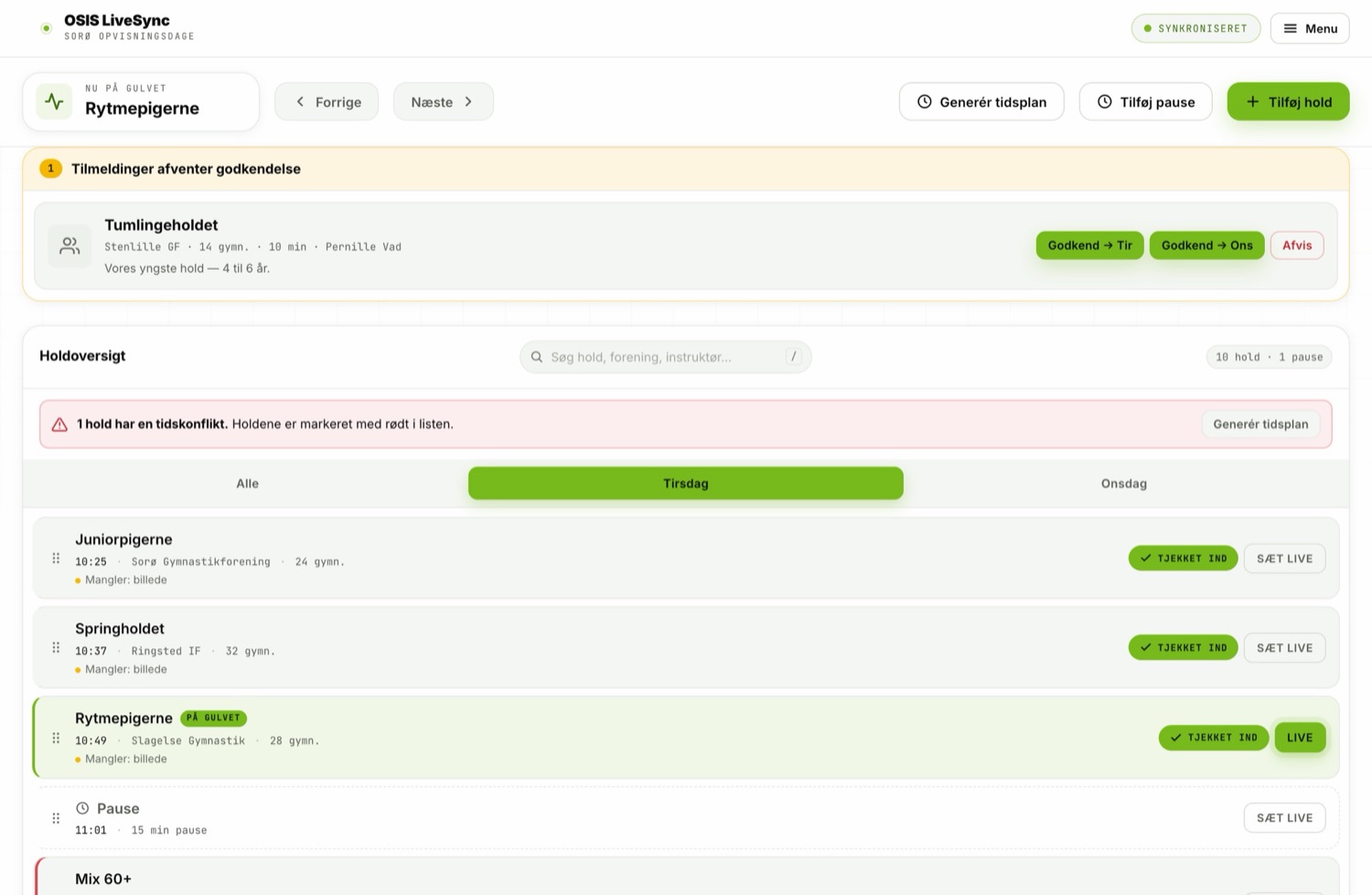
In the control room you tap the team walking onto the floor. In the same second the big screen changes, so do the info screens in the foyer, the announcer's iPad, the programme on the audience's phones and the graphics in the livestream. Nobody shouts across the hall, and nobody is left holding a paper programme that slipped an hour ago.
How it fits together
There is only one place where the running order lives: team management. Everything else is a view of the same day. That is why the screens cannot disagree with each other, and why there is nothing anyone has to remember to update.
The team on the floor in large format with logo and photo, the next team and a clock. It also does a welcome screen, a countdown, sponsors and a closing message.
For the foyer and the changing rooms: clock, the team on the floor, the teams coming up and a notice when the programme runs late.
An iPad with the team's notes, so the announcer reads the right thing — and moves to the next team without asking anyone.
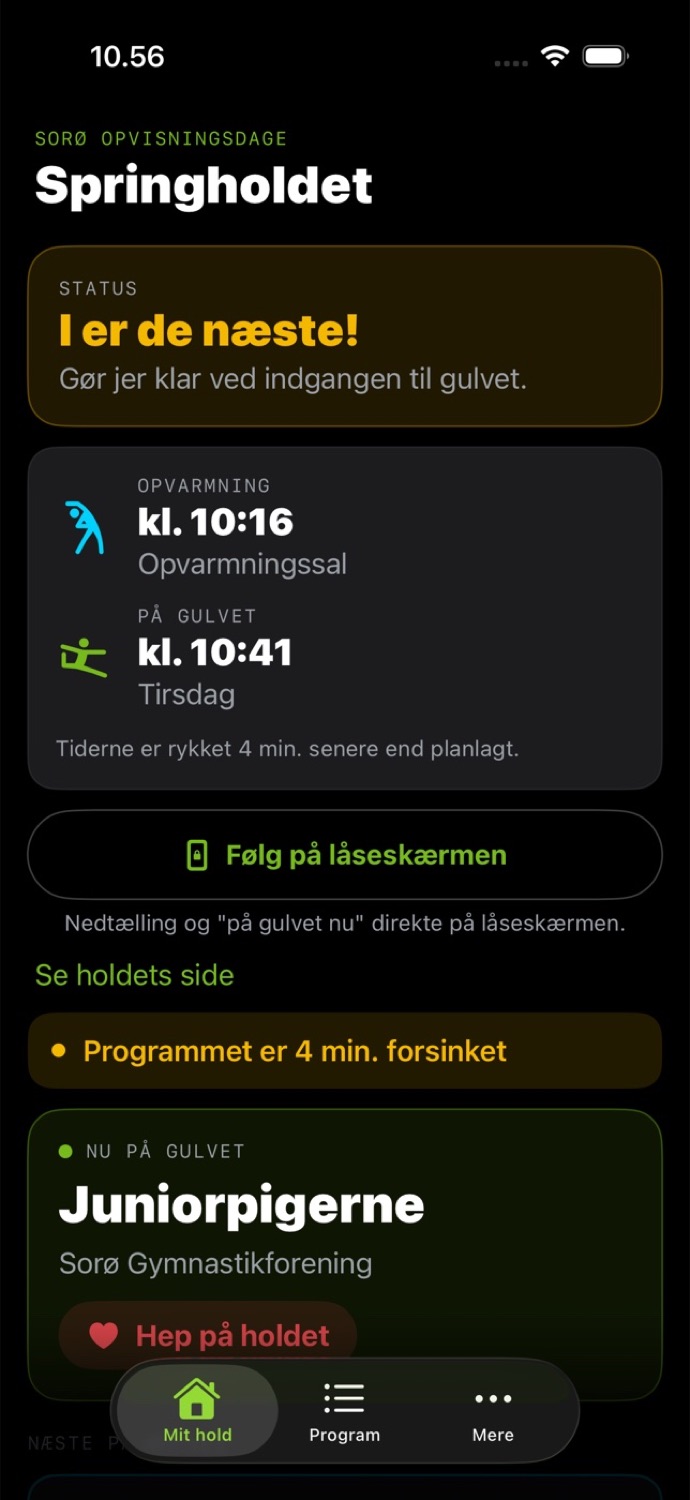
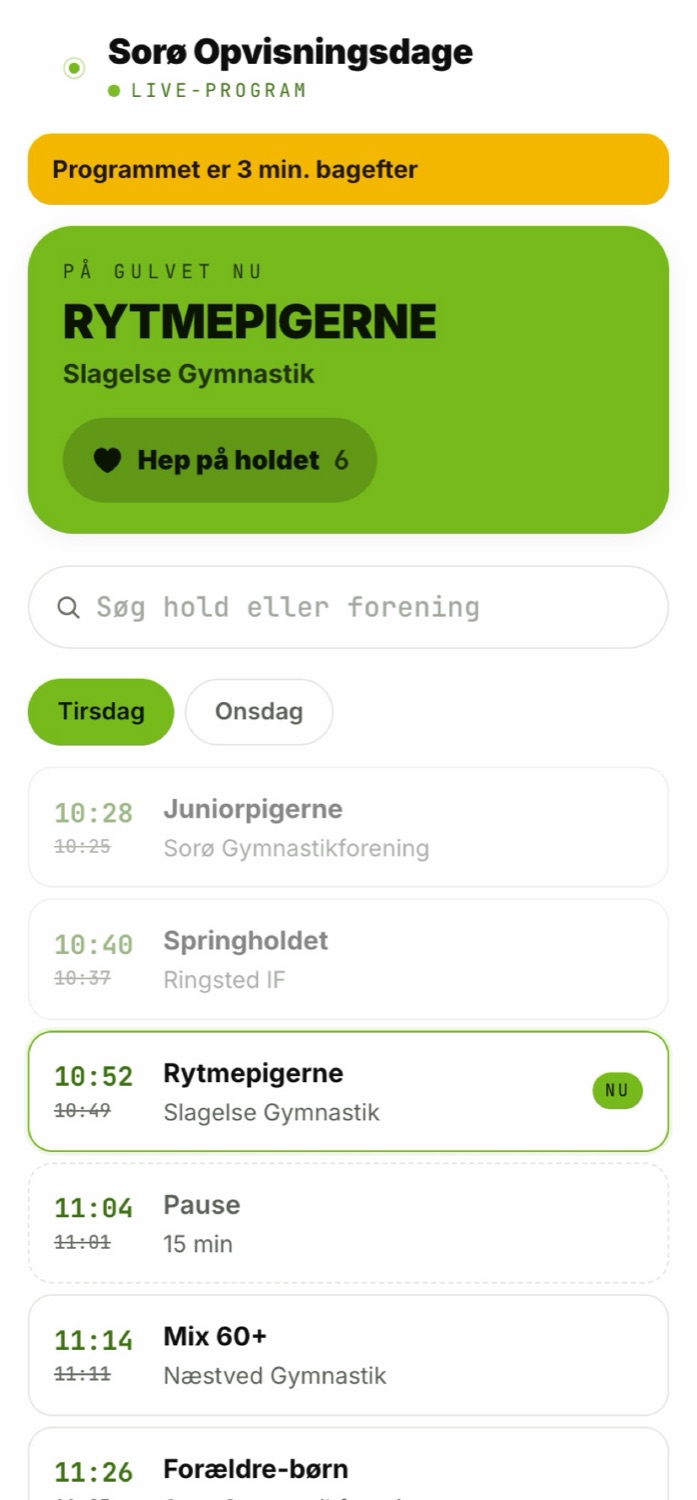
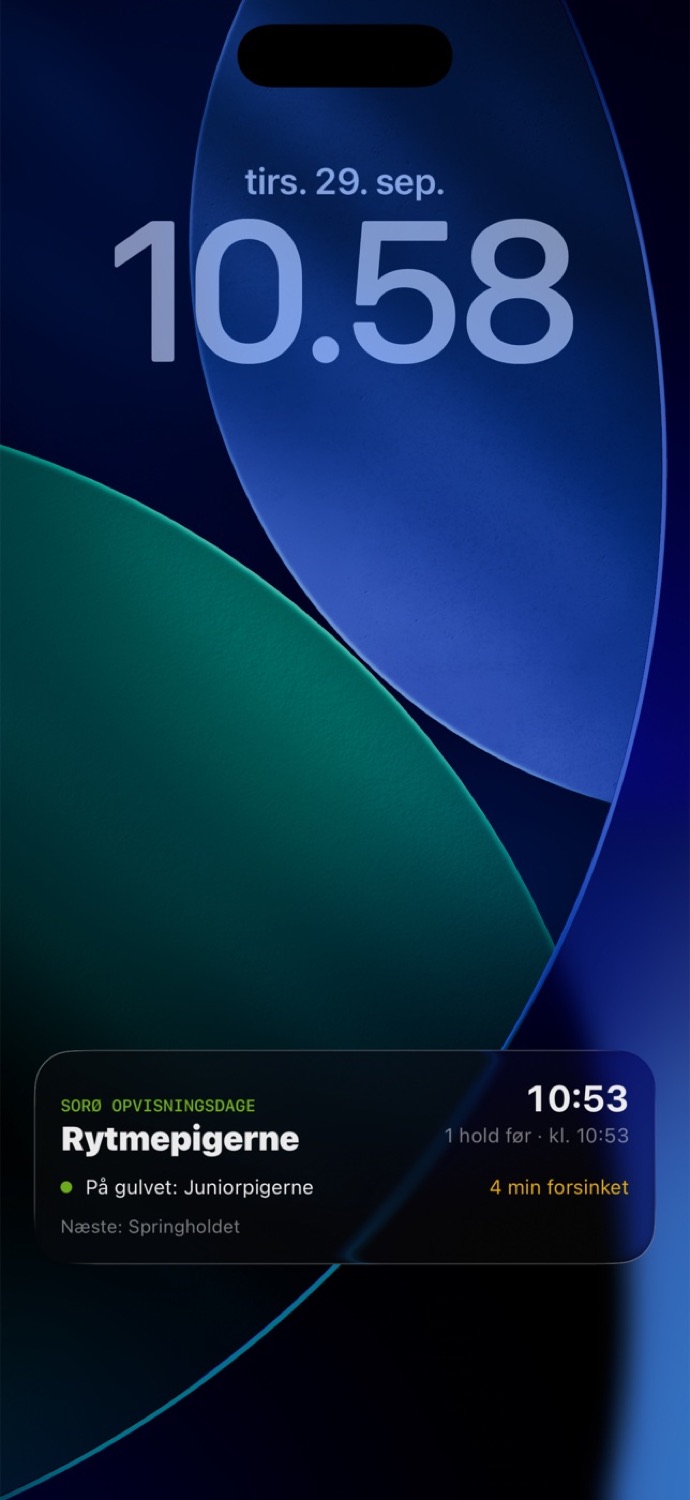
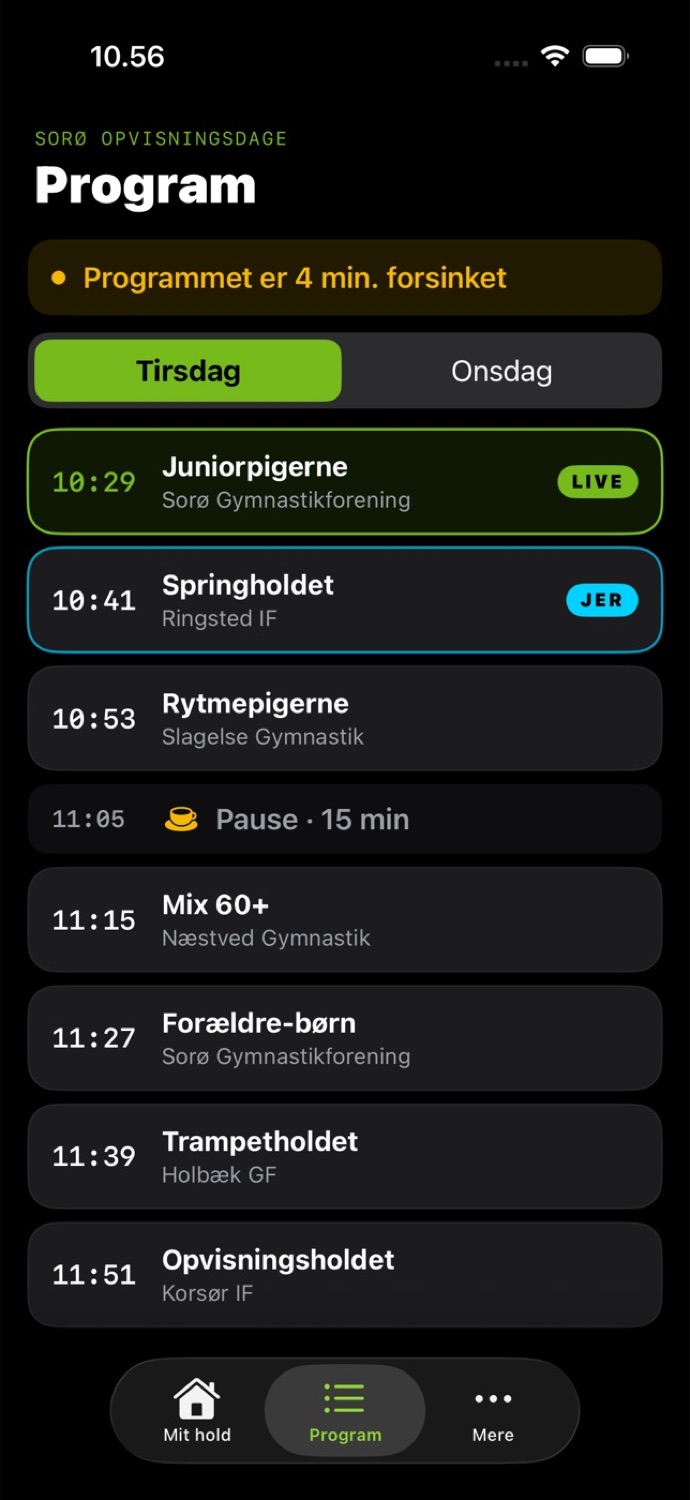
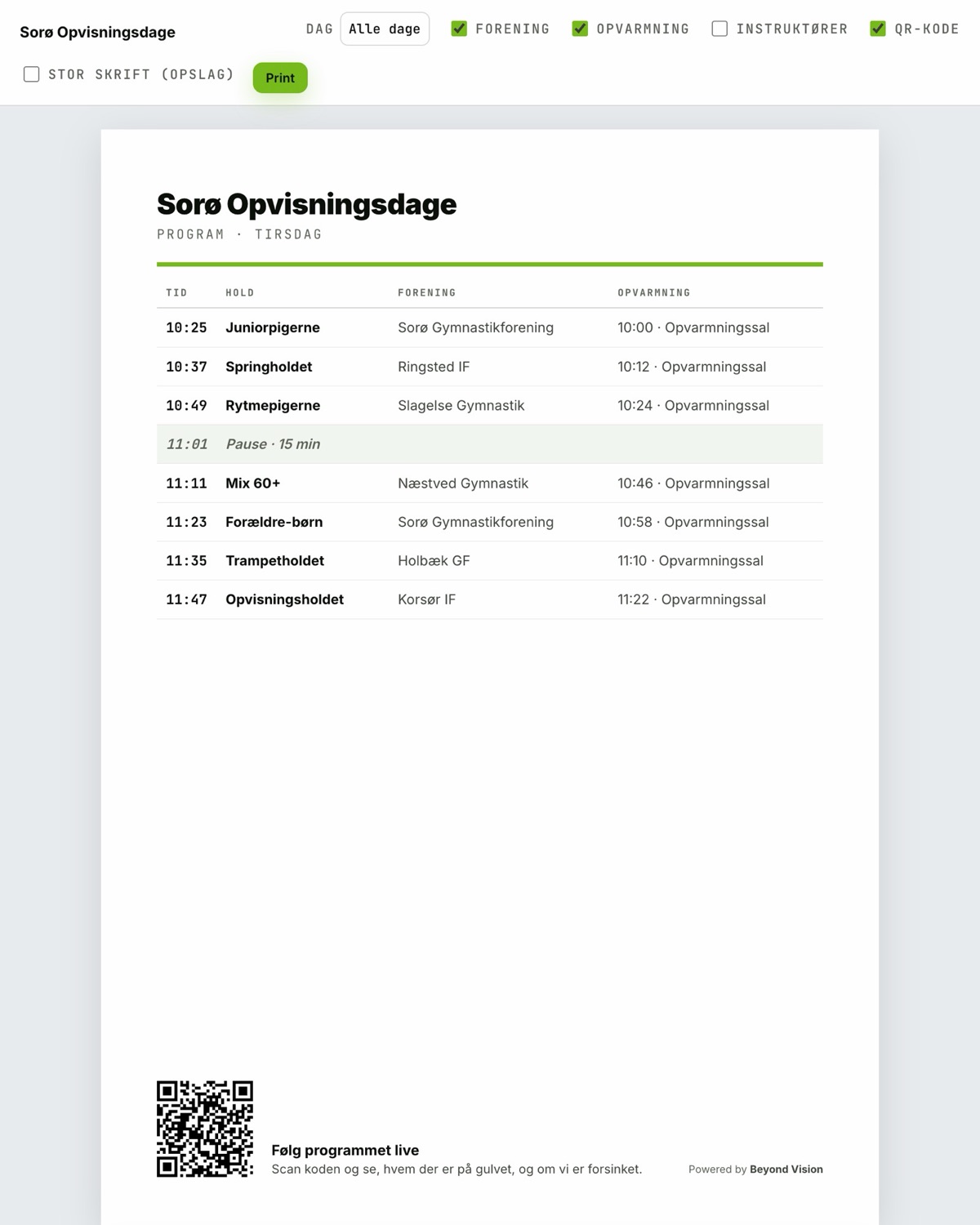
A page on the phone with the day's programme, the delay already worked in, and a marker showing who is on the floor right now.
Transparent overlays dropped into OBS or vMix as a browser source: on the floor now, next team, clock, sponsors and messages.
Pictures from the day on screen between teams — uploaded from a phone and approved before they appear.
Running the day
A team turns up late, two swap places, and a third drops out during the morning. That is normal. The system is built for it happening mid-show.
In the hall
It follows the team on the floor by itself — but it is also the screen that fills the time when nothing is happening yet.
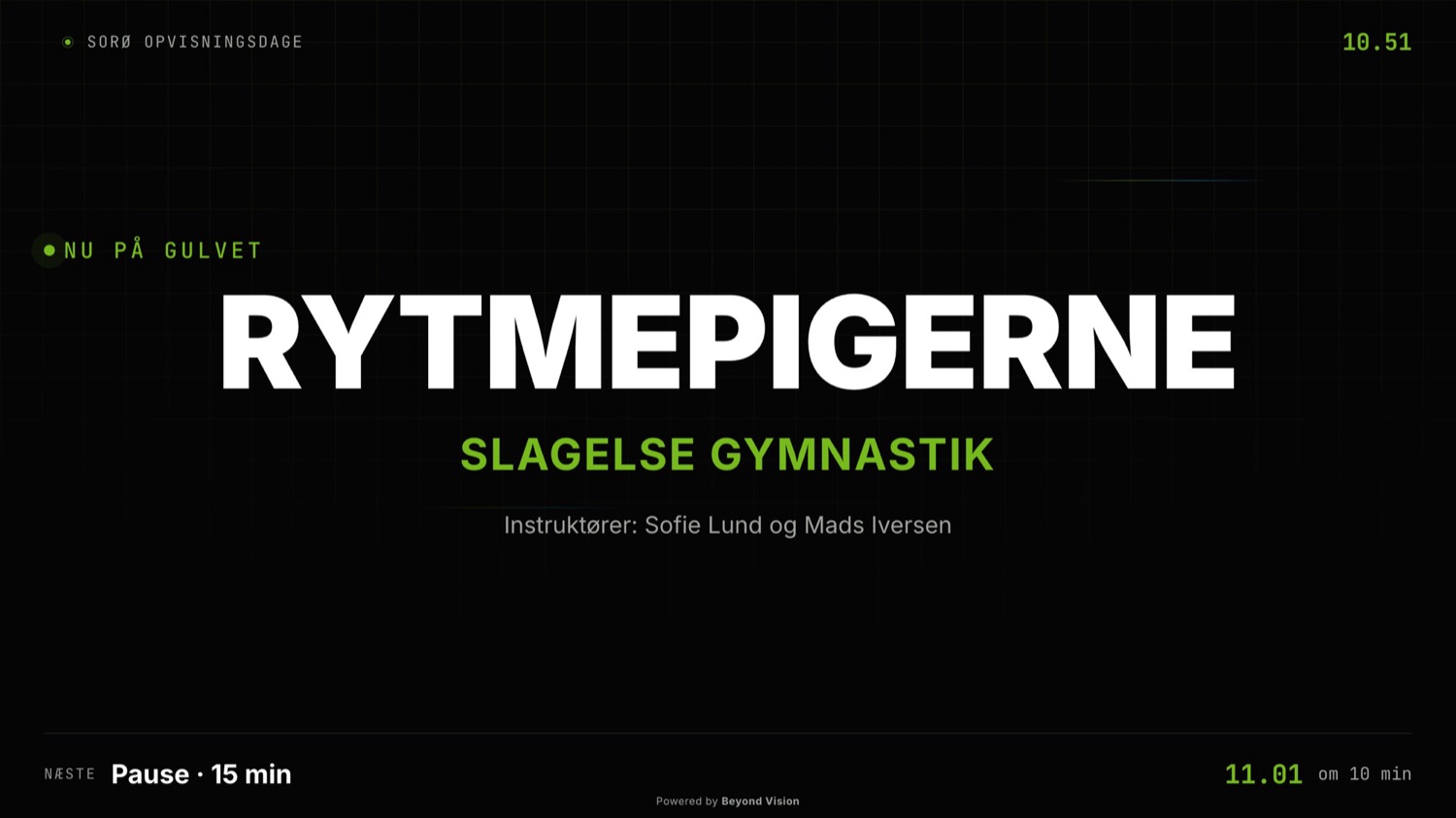
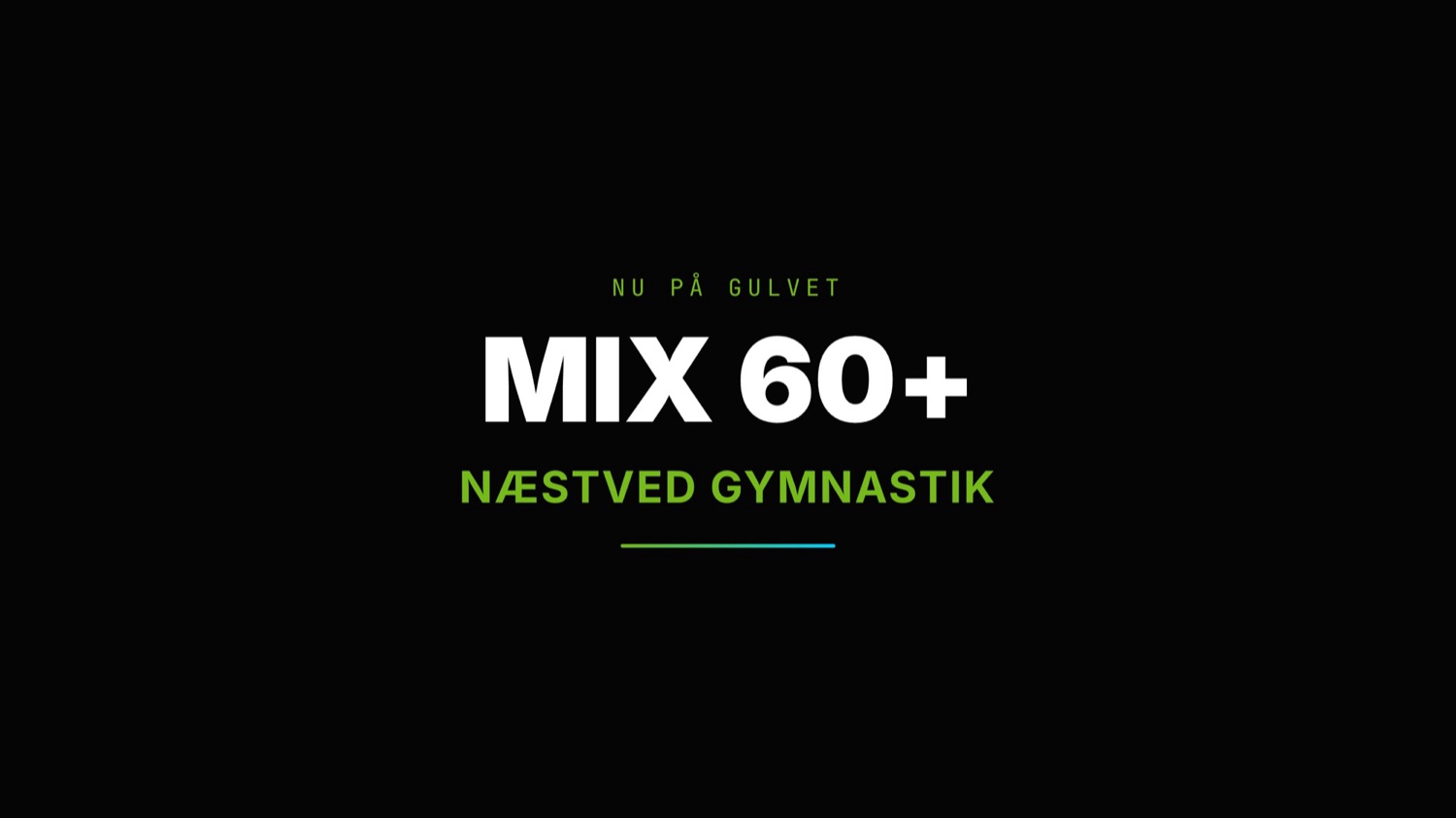
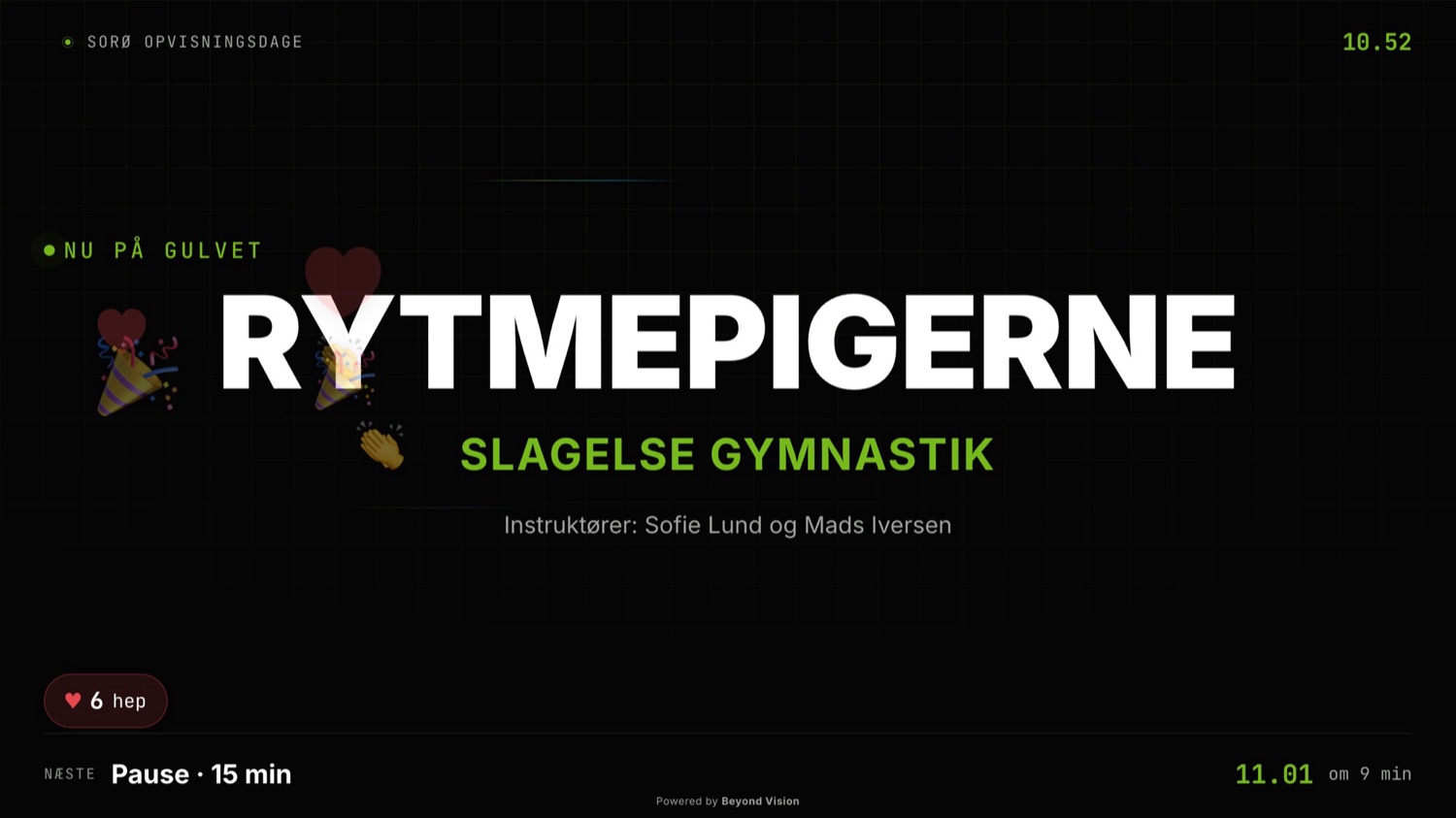
The team on the floor, the team intro and the cheer hearts. Same screen, three states.
The tech desk
The technician should not have to go into team management to fix a screen. The tech page gathers everything to do with the kit in the hall.
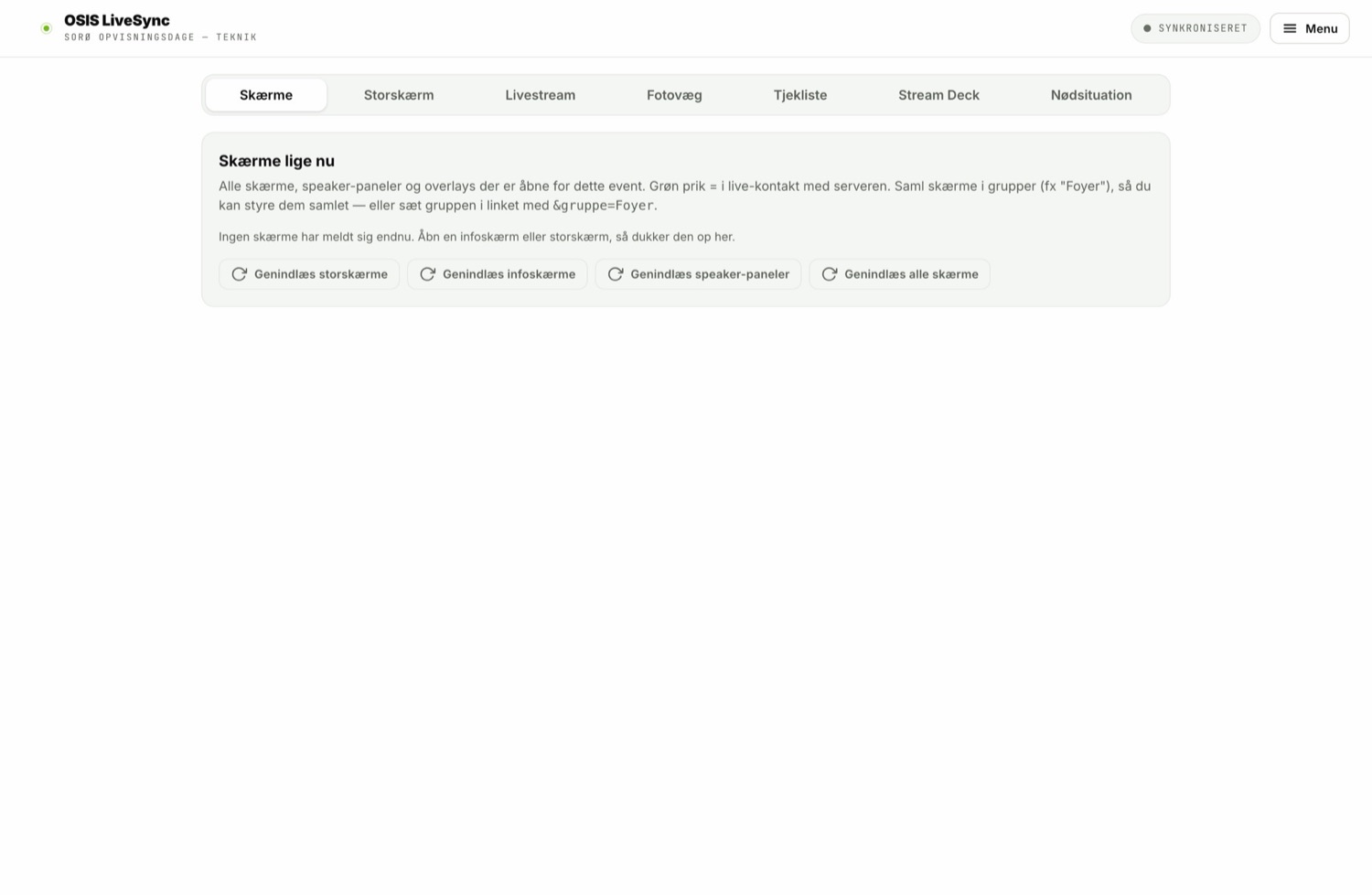
The audience
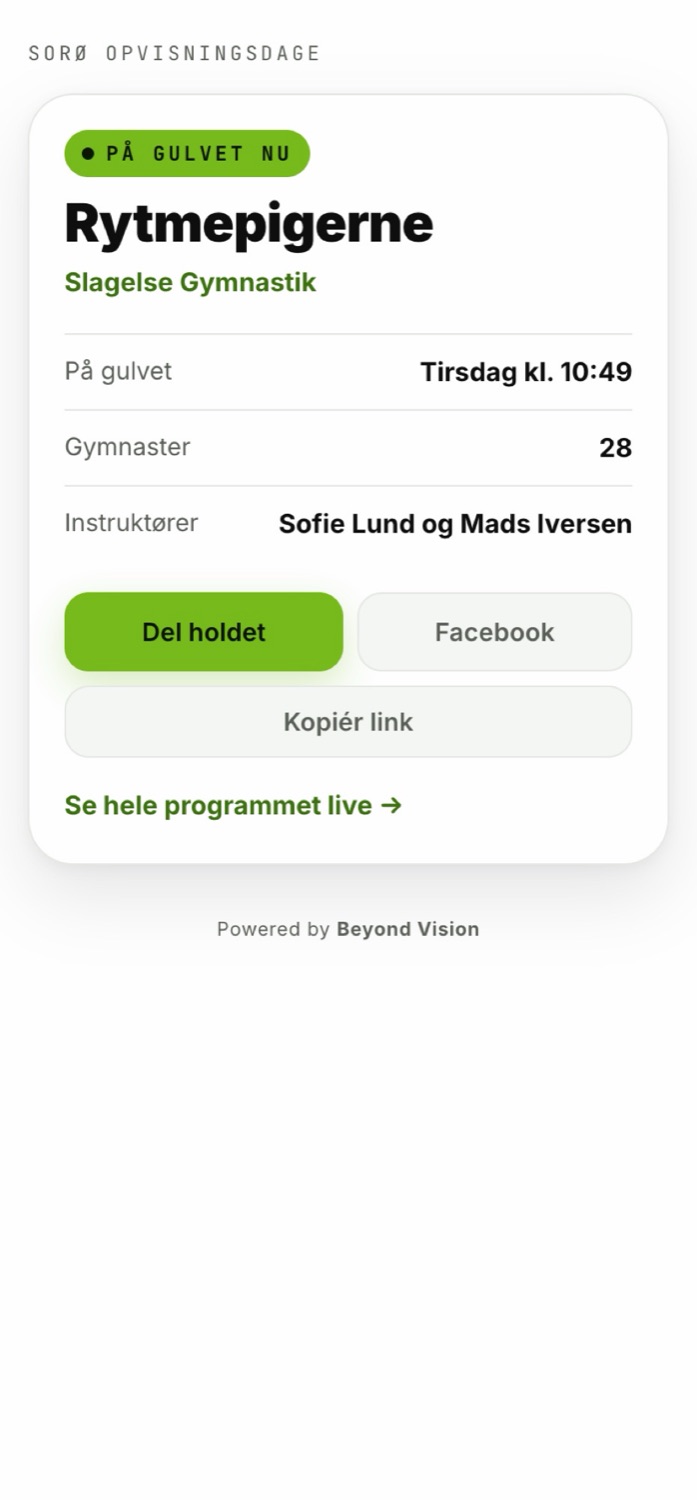
The audience scans a QR code at the door and has the day's programme on the phone. If the day runs late, their times move too. No app is needed to follow along.
Apps
OSIS LiveSync comes as real apps for iPhone and Android — built in SwiftUI and Jetpack Compose, not a website in a frame. You pick your team and the rest of the day is delivered to you.
Before the event
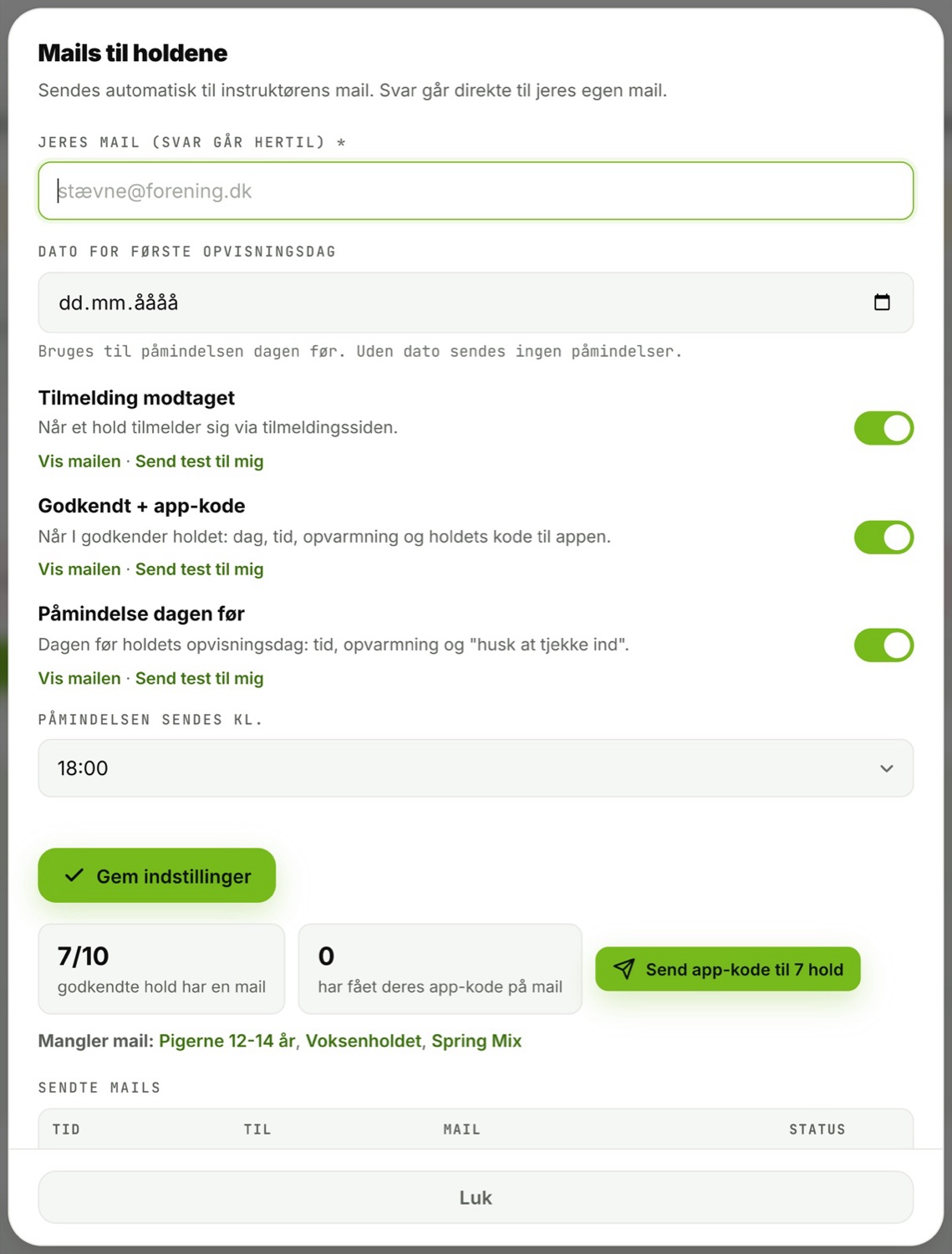
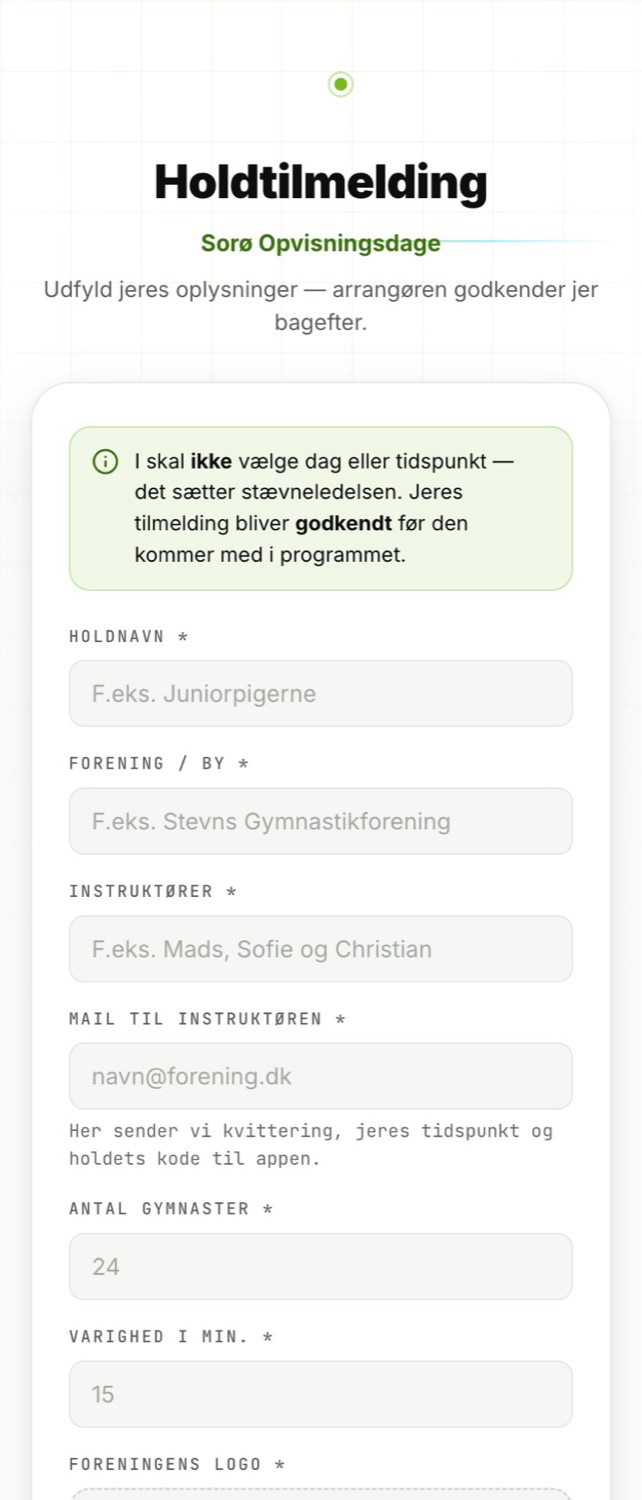
You share one link. The teams put themselves down with a contact, the number of gymnasts, music and announcer notes, and upload their logo. You approve, and the rest runs by itself.
Your look
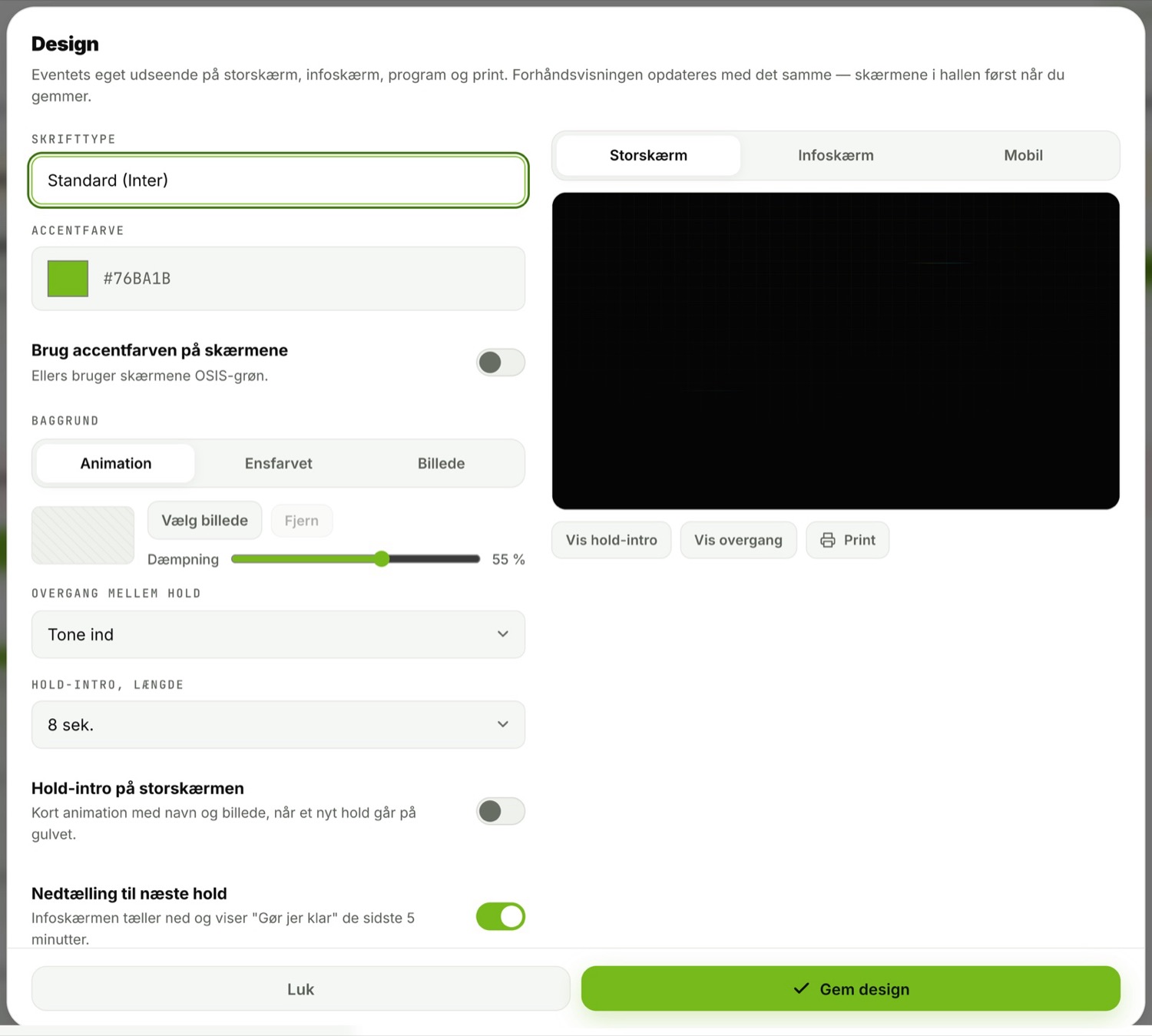
Logo, colours, typeface and background are set per event and come through on every screen, on the programme, on the team pages and in the emails at once.
After the event
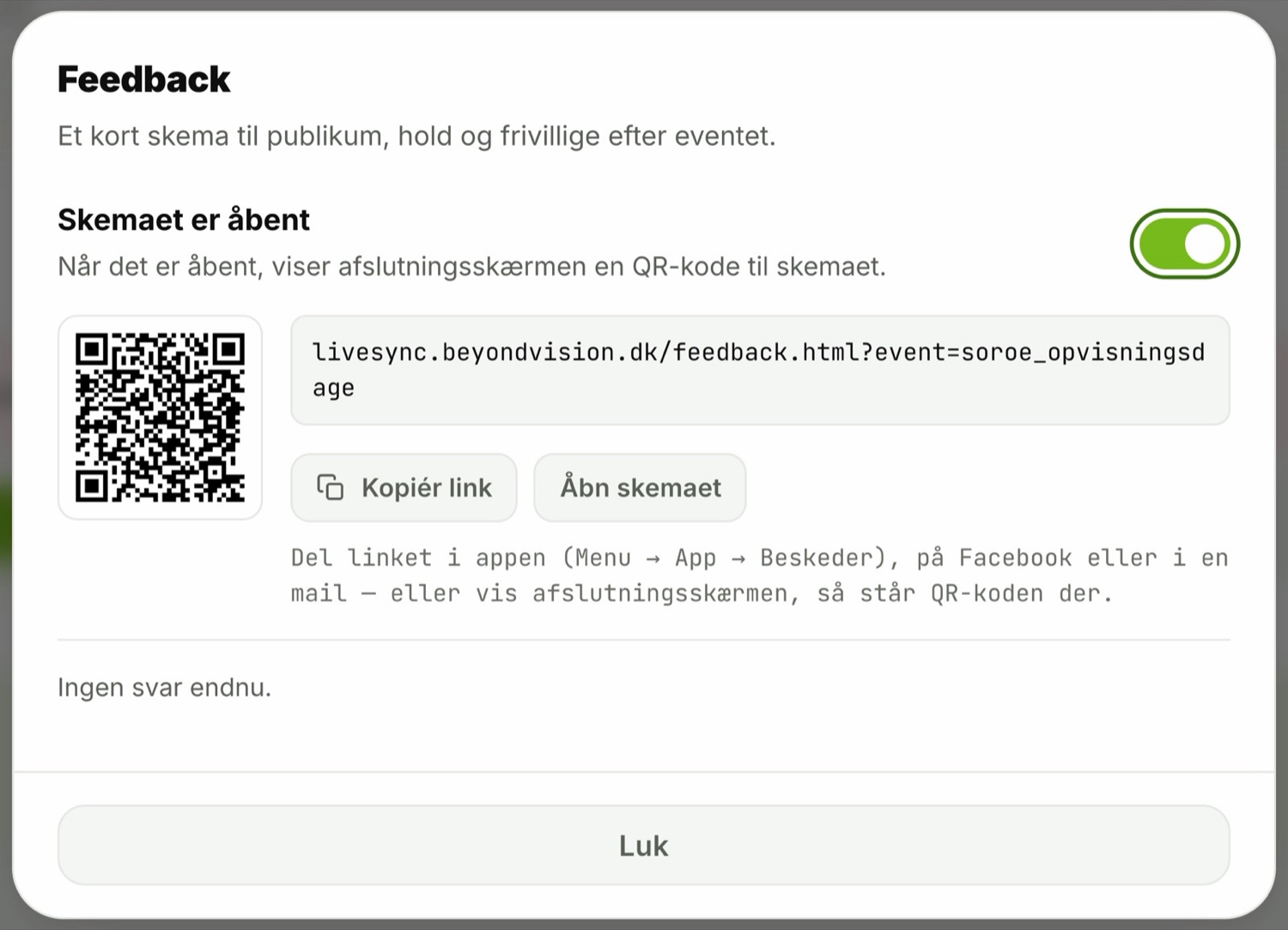
When the last team has left the floor, the day is there: who took part, when they went on, how far the programme slipped, what the audience wrote. The report can be shared with a link — including with people who have no login.
Operations
The system runs on our own server in Denmark. No Firebase, no third-party cloud, no running platform fees — and no data sitting somewhere we cannot point to.
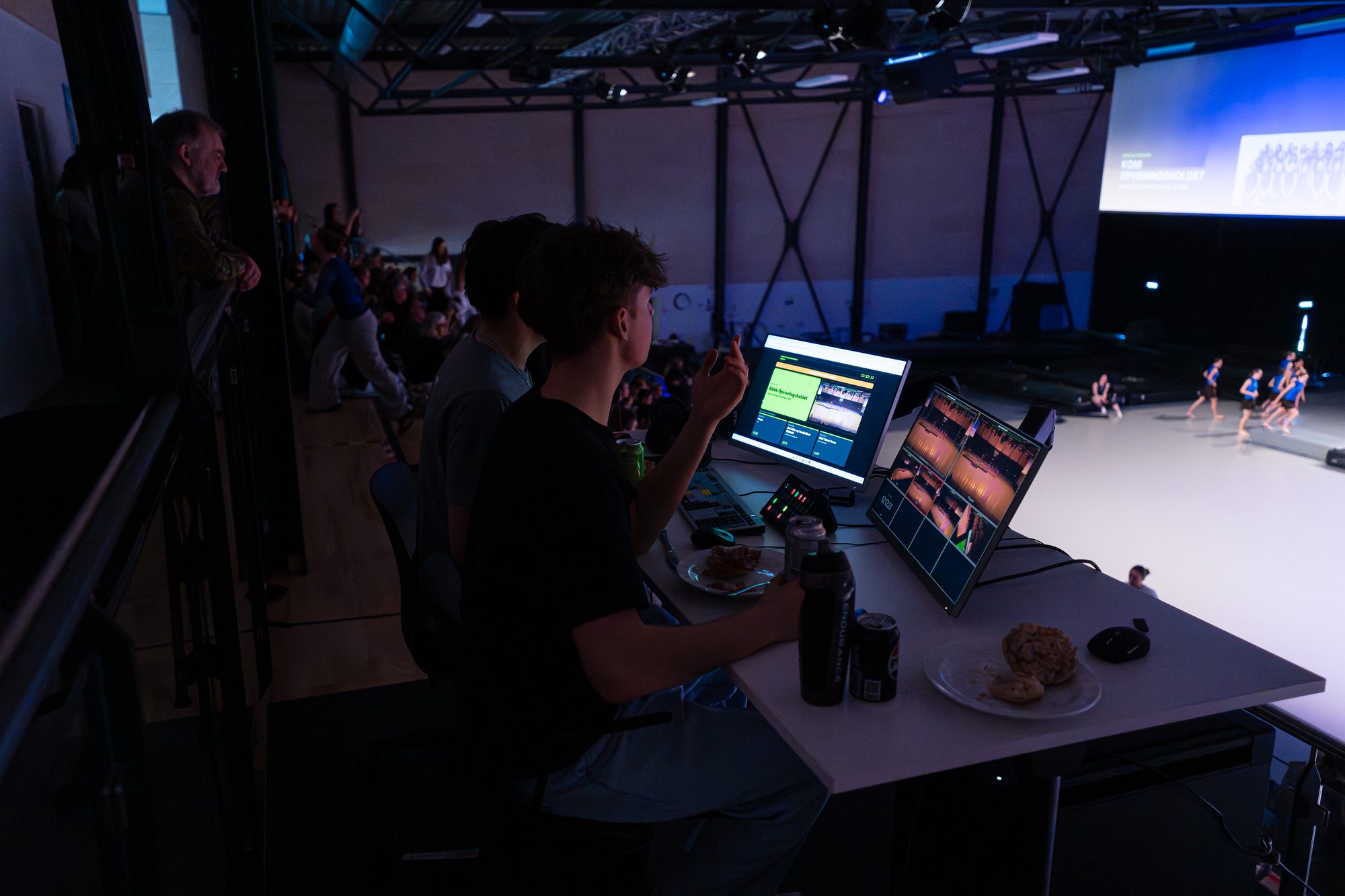
Beyond Vision handled the whole production — from video and info screens to the timing of the displays — and delivered something that simply worked from start to finish.
Rasmus SindingSorø Gymnastikefterskole
Sorø Gymnastikefterskole has used LiveSync for four displays — from five teams in an evening to around 30 teams in a single day. That is where the system was built: in the hall, while it was being used.
Price
The base package is the event itself. Screens, app, stream, quiz and registration are added if you need them — or pick a package that costs less than the parts. All prices are in Danish kroner, excl. VAT.
Packages per show
Modules per show
Service
Next step
Send us the day's teams as they look right now. We will set the event up in the system, and you can click around in it before deciding anything.