Control panel
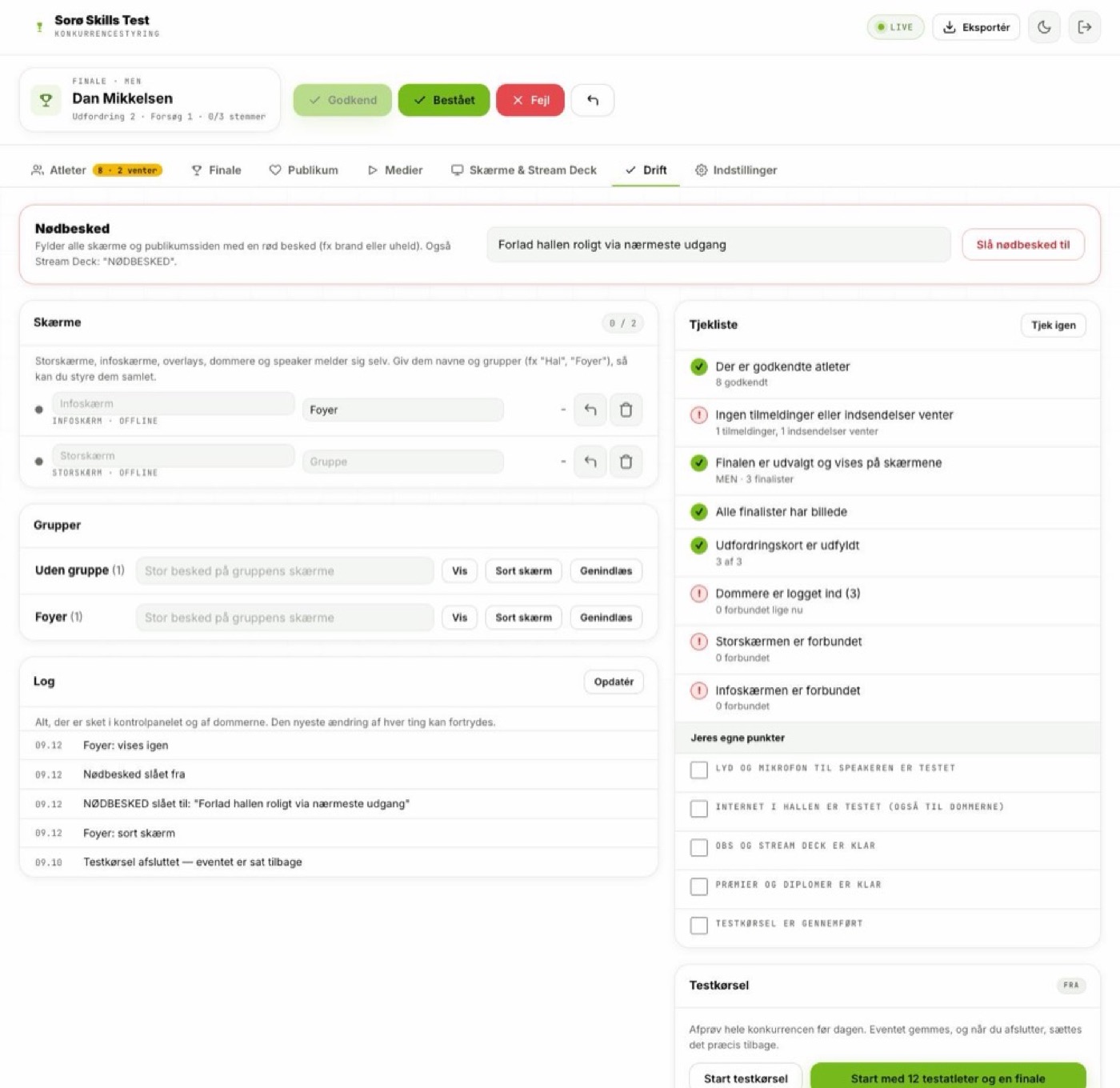
Athletes, qualification, finals, judging, audience, media, screens and operations. This is where the competition is run.
OSIS Competition Suite
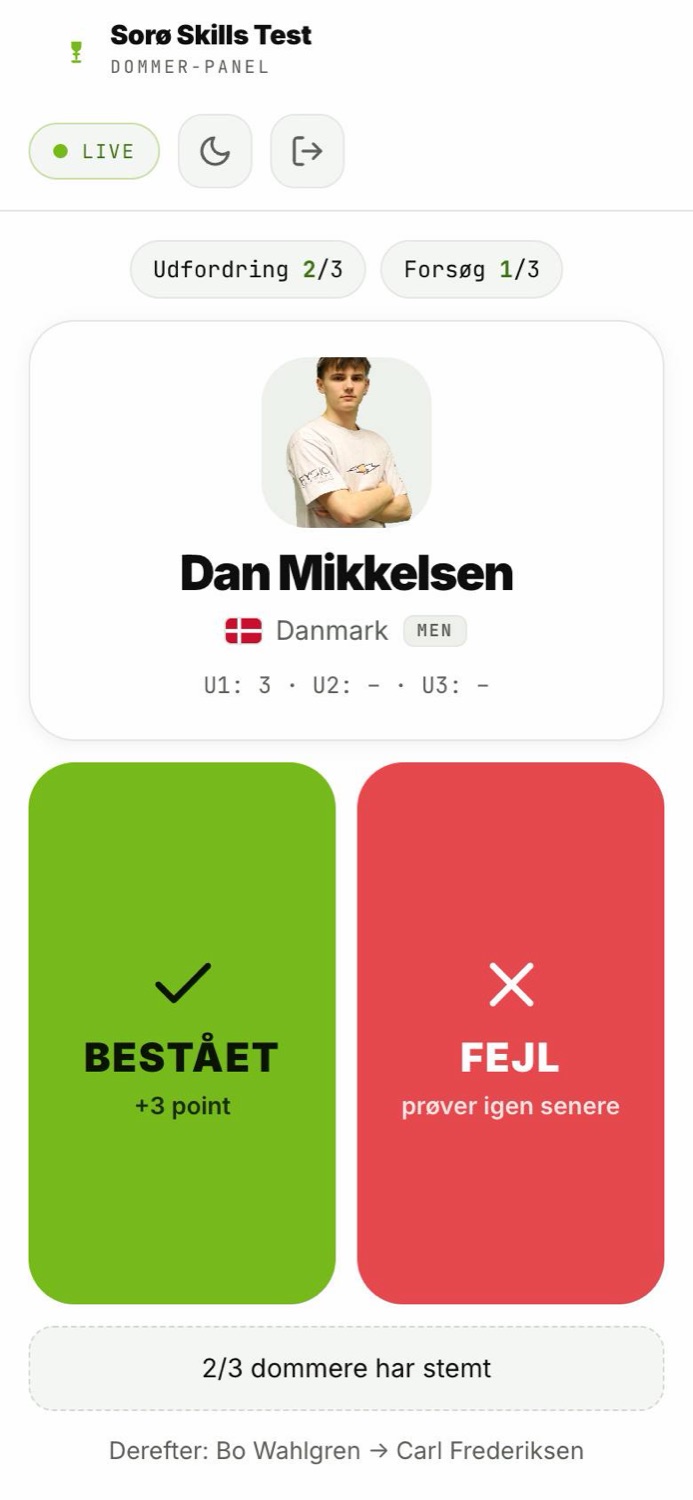
Judges tap pass or fail on their phones. In the back room the verdict is approved with one tap — and in the same second the big screen, the standings on the audience's phones, the announcer's screen and the livestream graphics all update. No paper slips, no spreadsheets and no results three hours after the final.
How it fits together
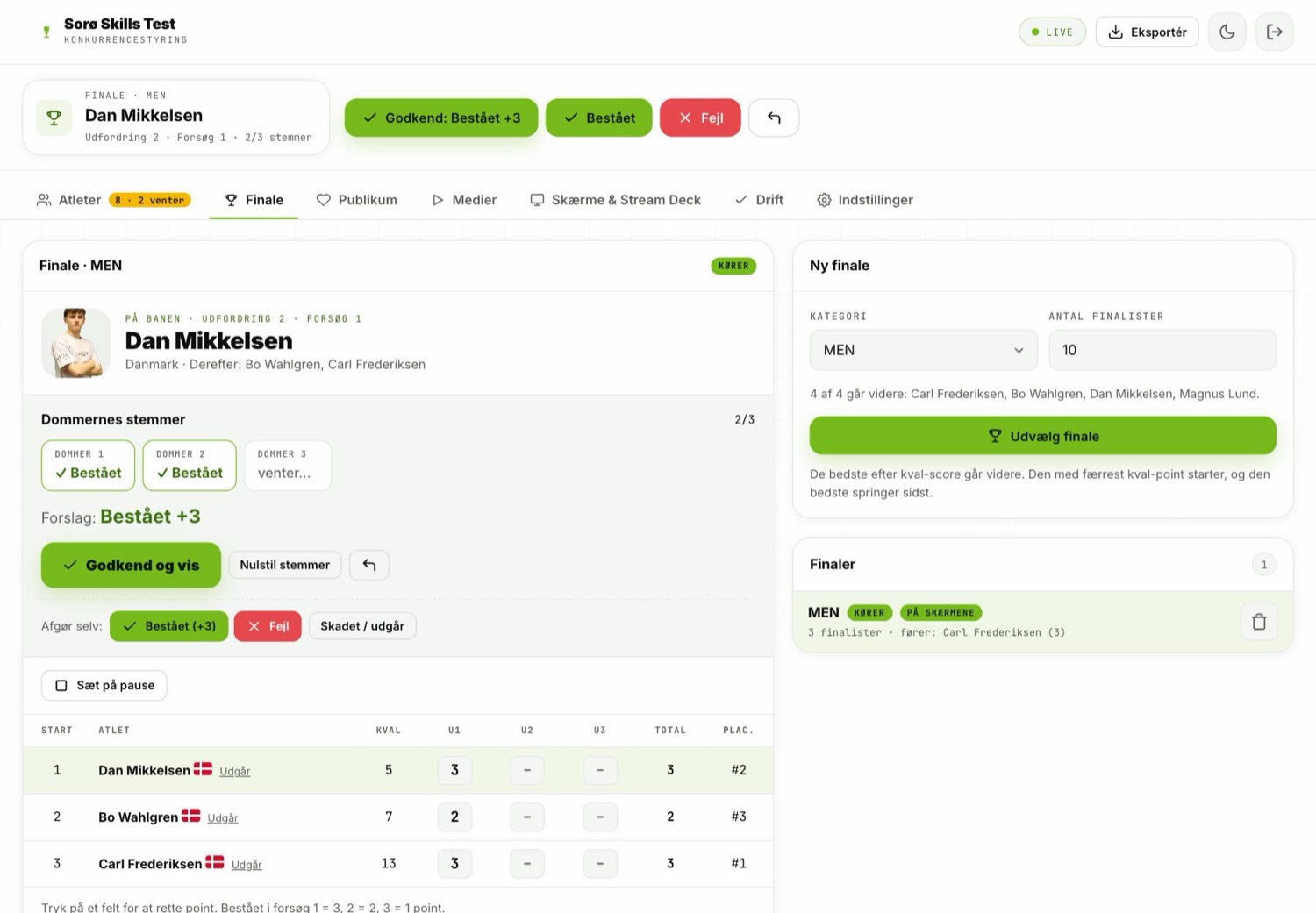
The standings are calculated in exactly one place: the final in the control panel. Everything else — big screen, info screen, announcer, audience and stream — is a view of that same final. They cannot end up showing different things.
Athletes, qualification, finals, judging, audience, media, screens and operations. This is where the competition is run.
Two big buttons — or a points scale — on the phone. The judge sees the athlete, the attempt and who's next.
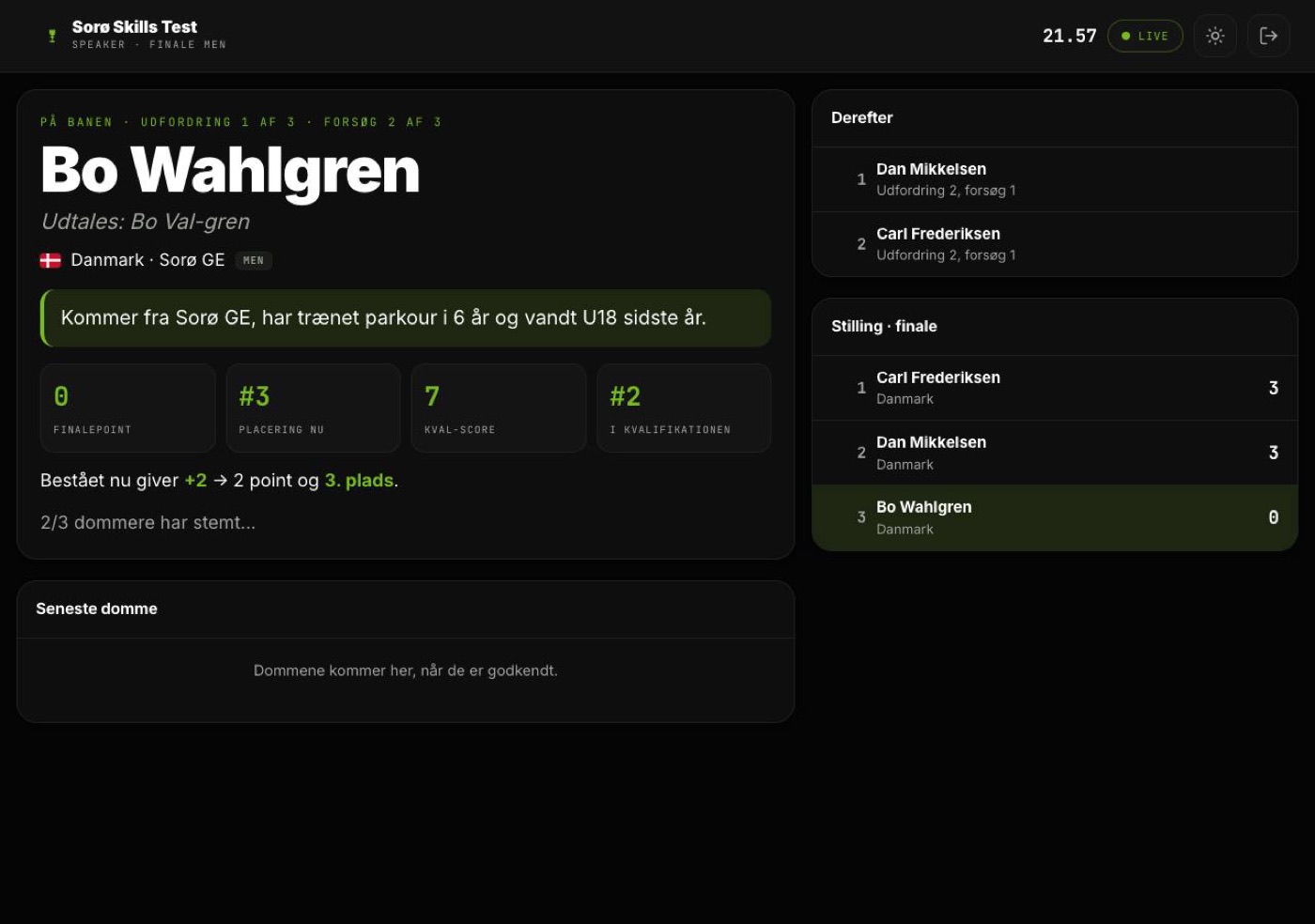
Who's on course, how the name is pronounced, and what a successful attempt would mean for the standings right now.
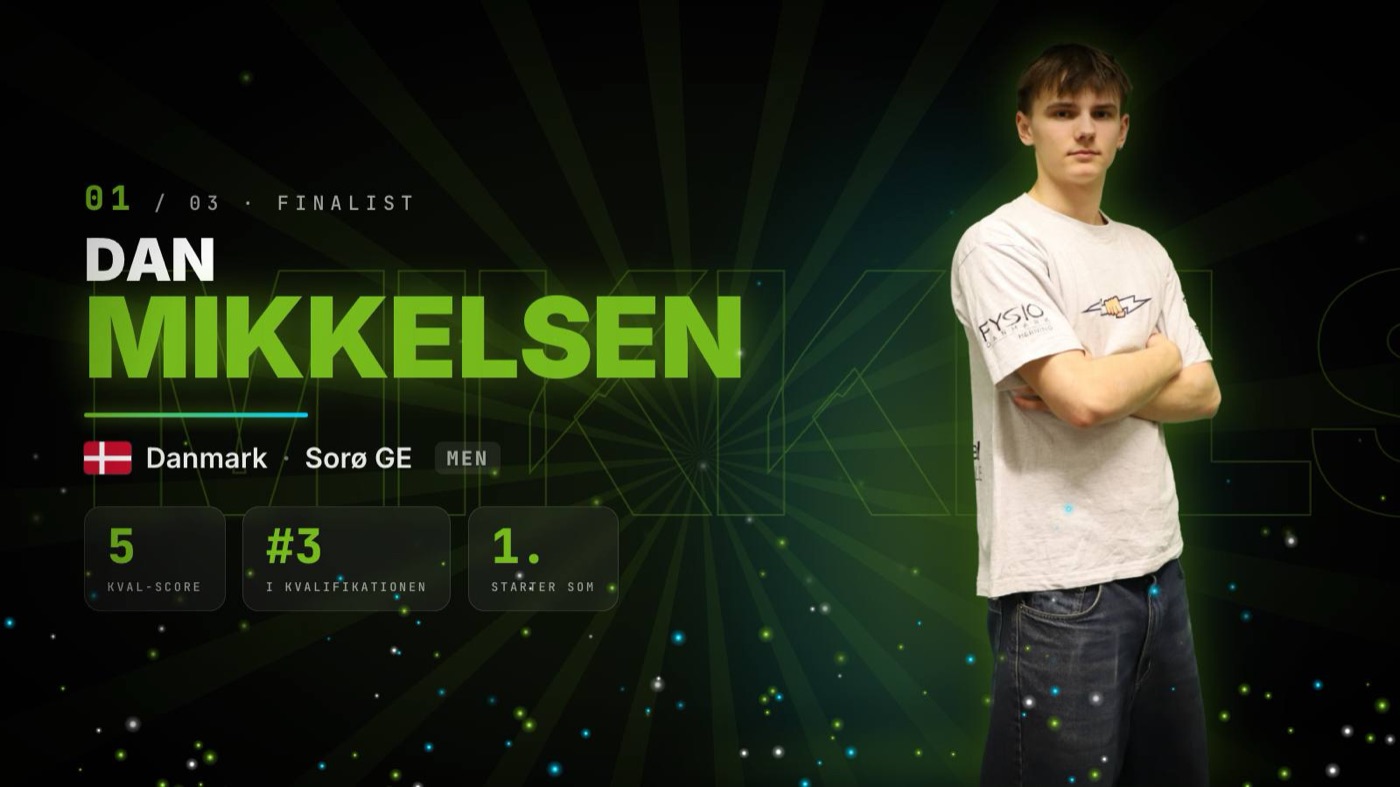
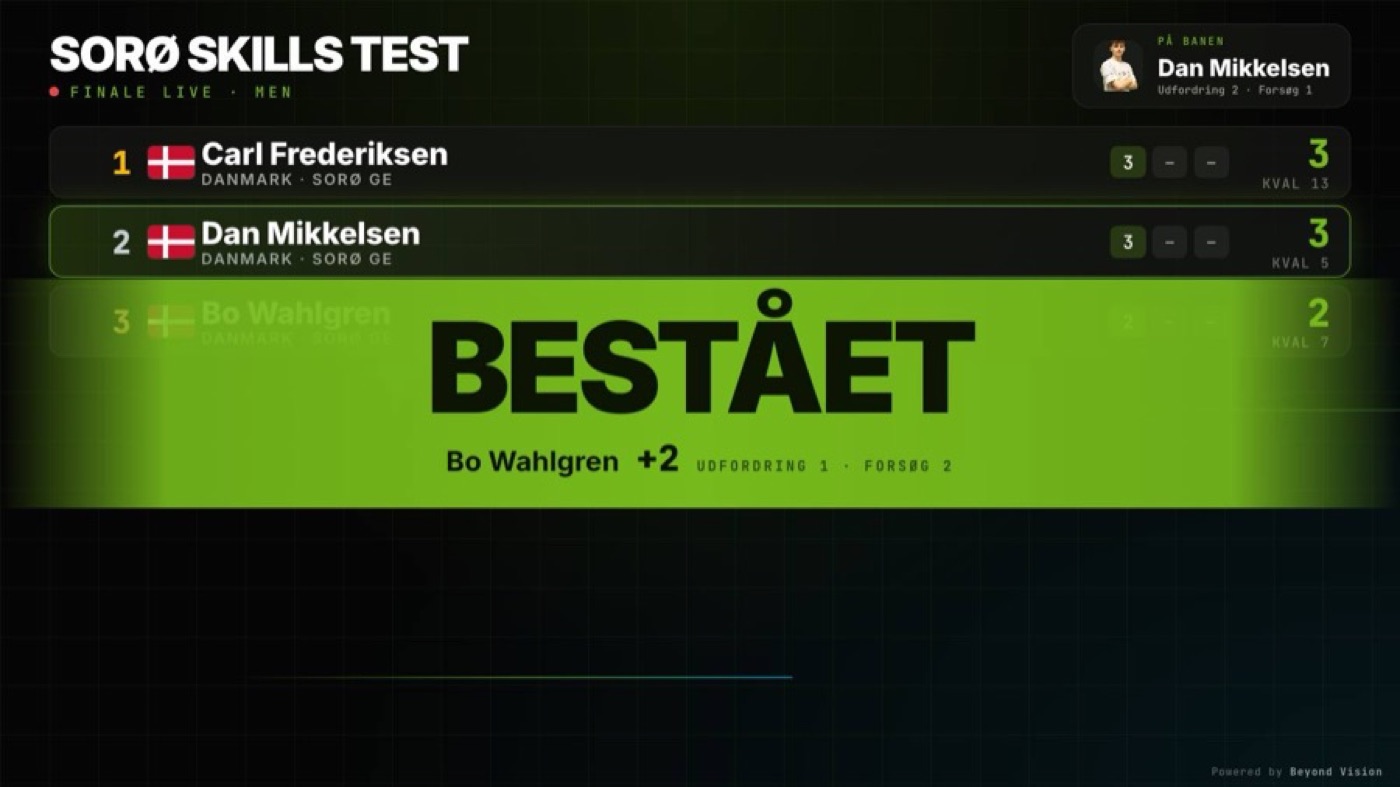
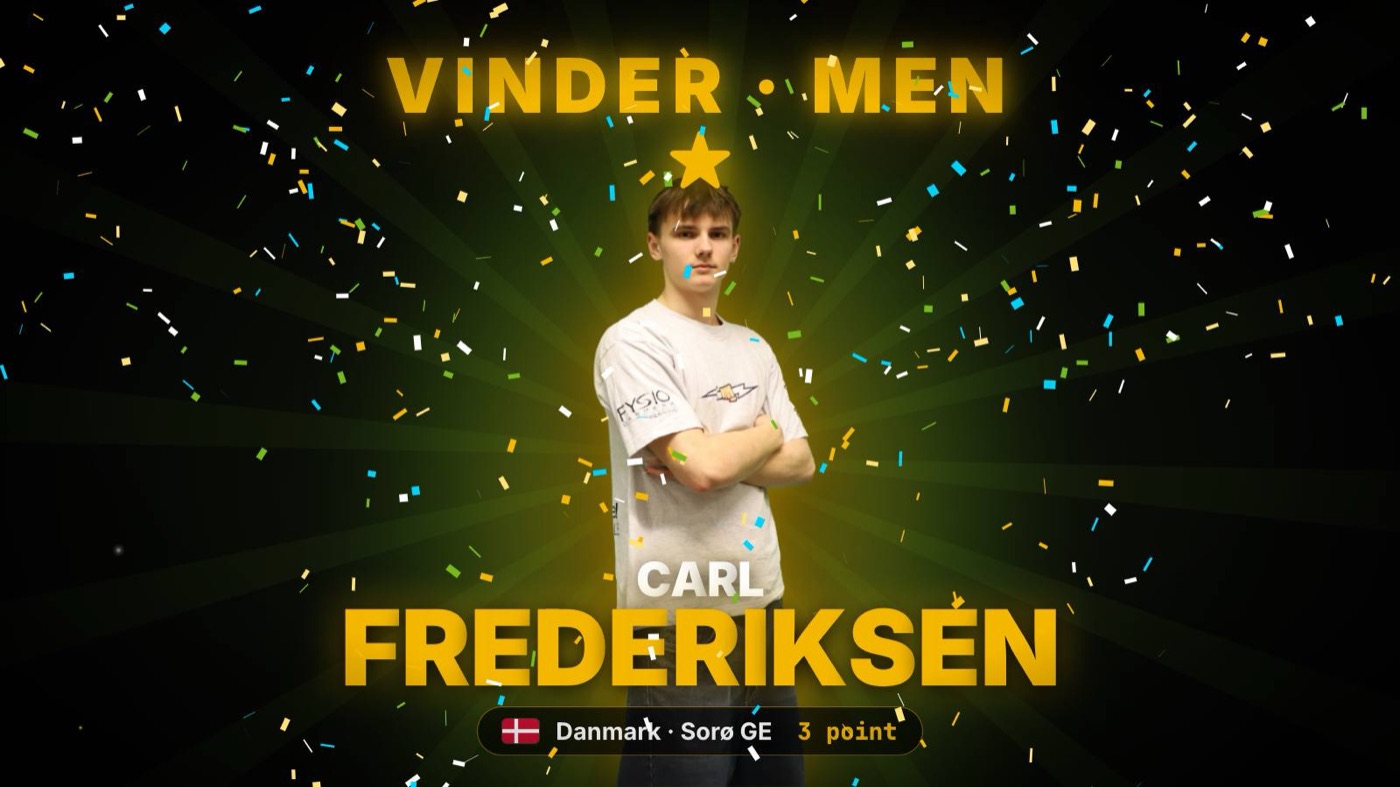
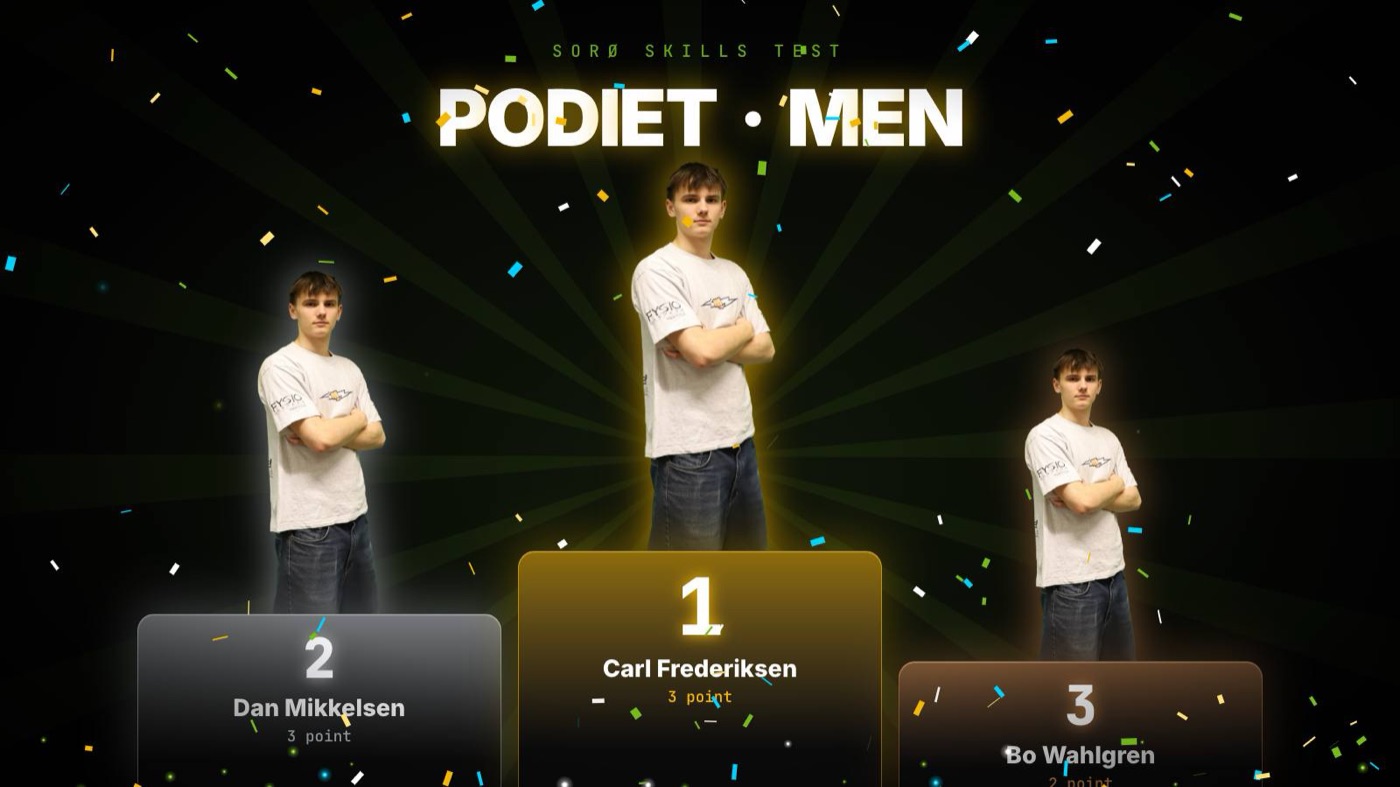
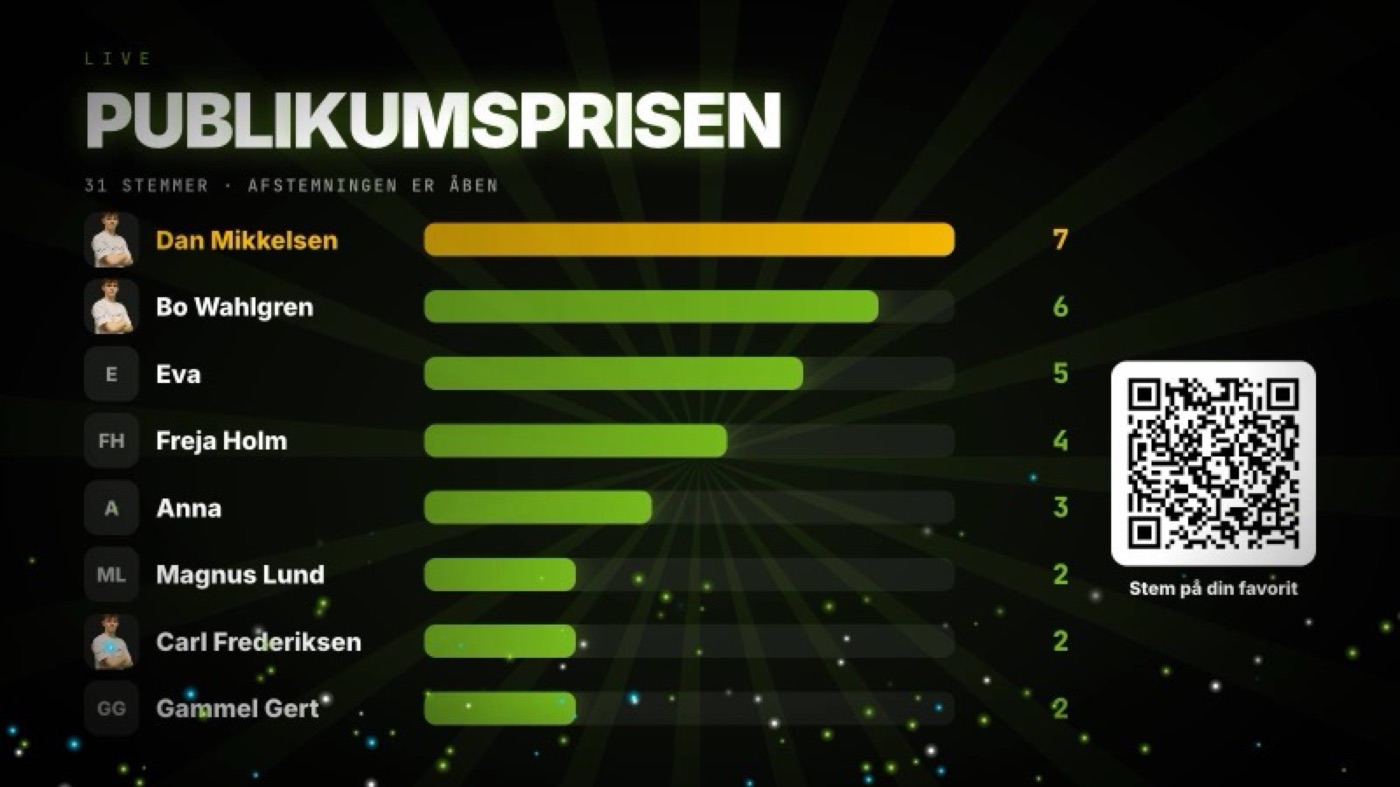
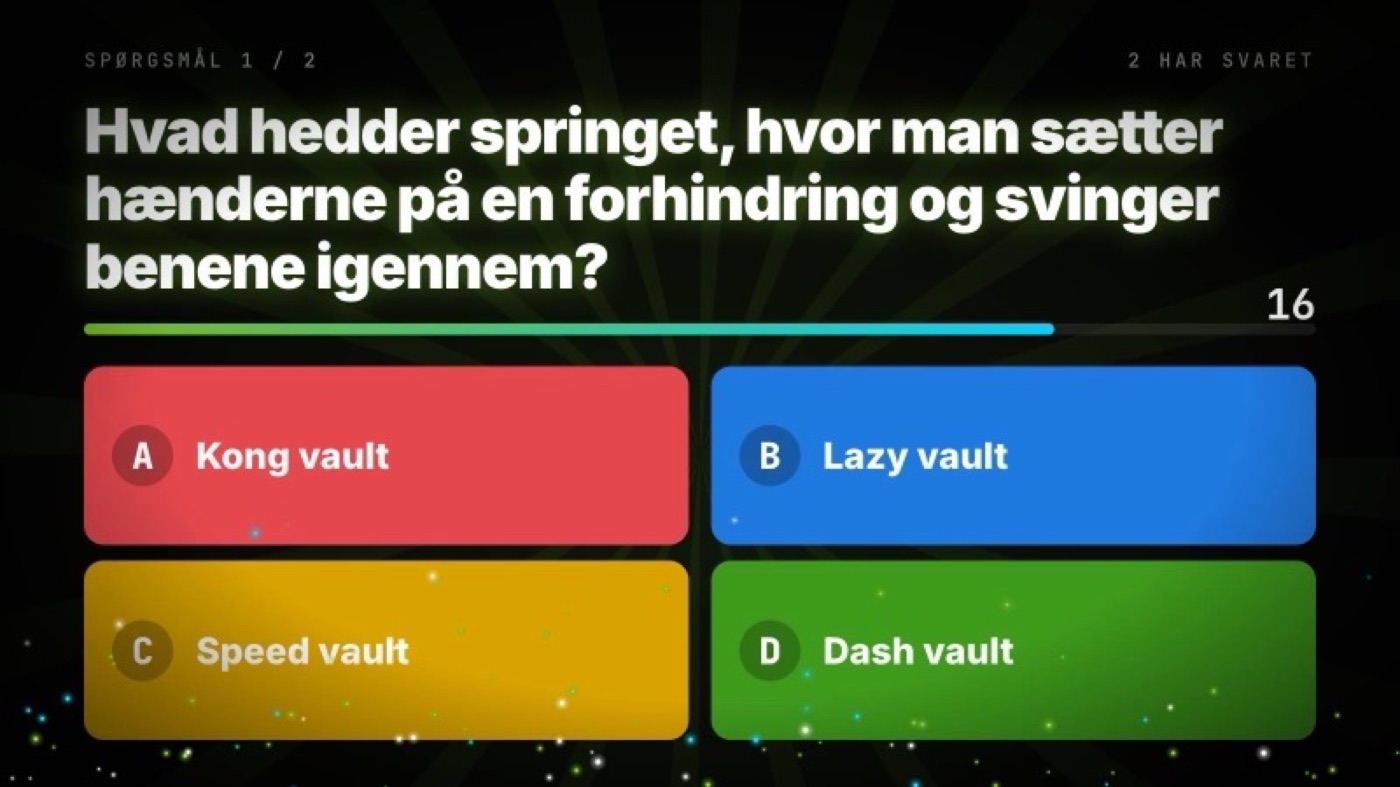
Standings, finalist presentation, verdicts, winner reveal with confetti, podium, countdown, quiz and the audience award.
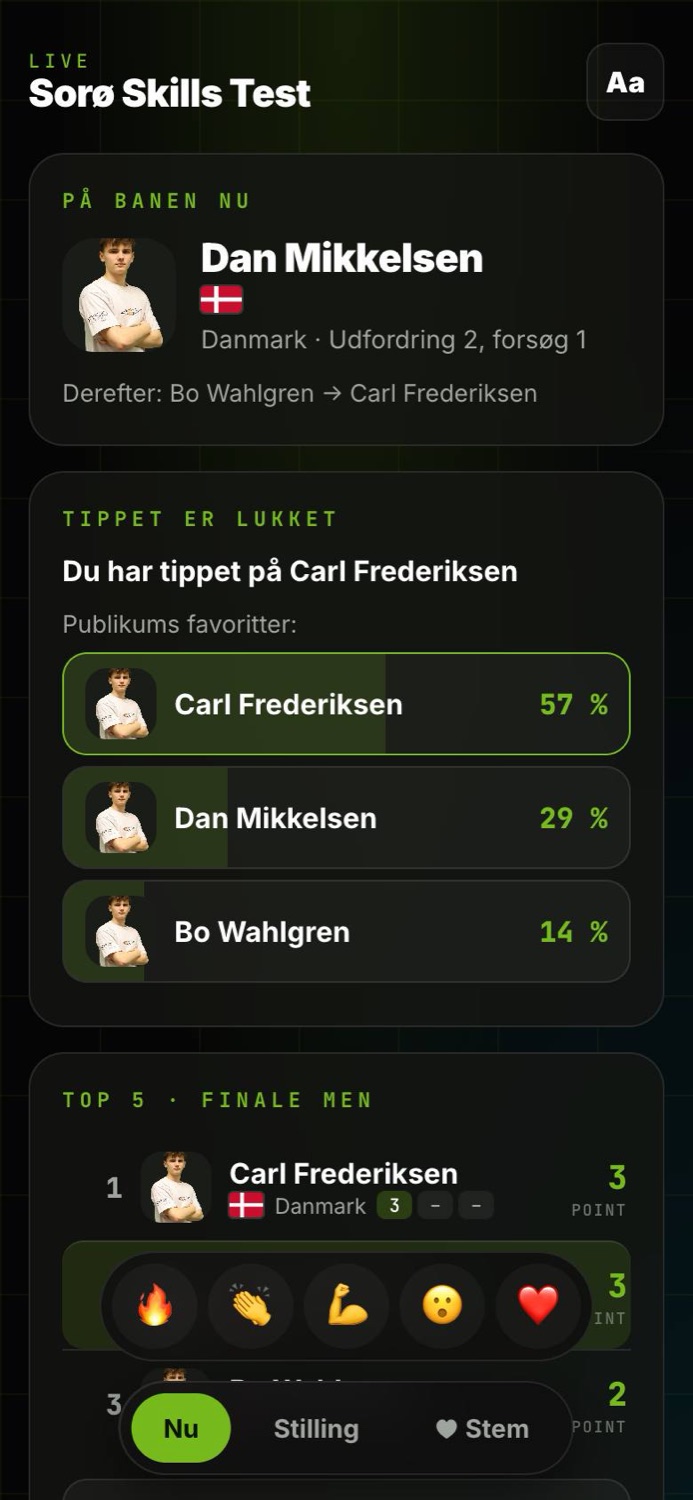
Who's on now, full standings, vote for a favourite, predict the winner, send reactions to the big screen and play the quiz.
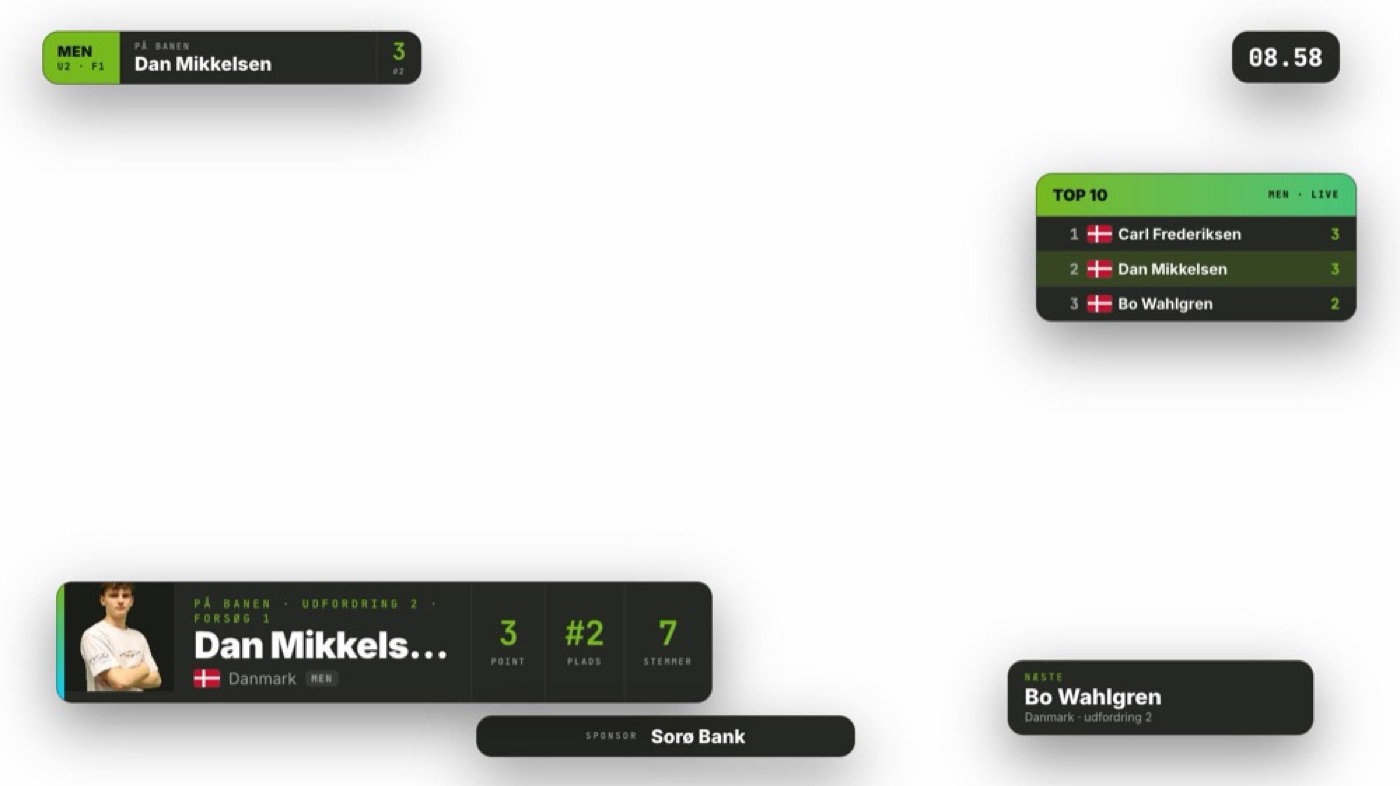
Eight transparent overlays for OBS and vMix, driven from the control panel or a Stream Deck.
Judging
No verdict counts until it has been approved. That gives the judges peace of mind and gives you time to check before the result appears on a screen 500 people are watching.
The show
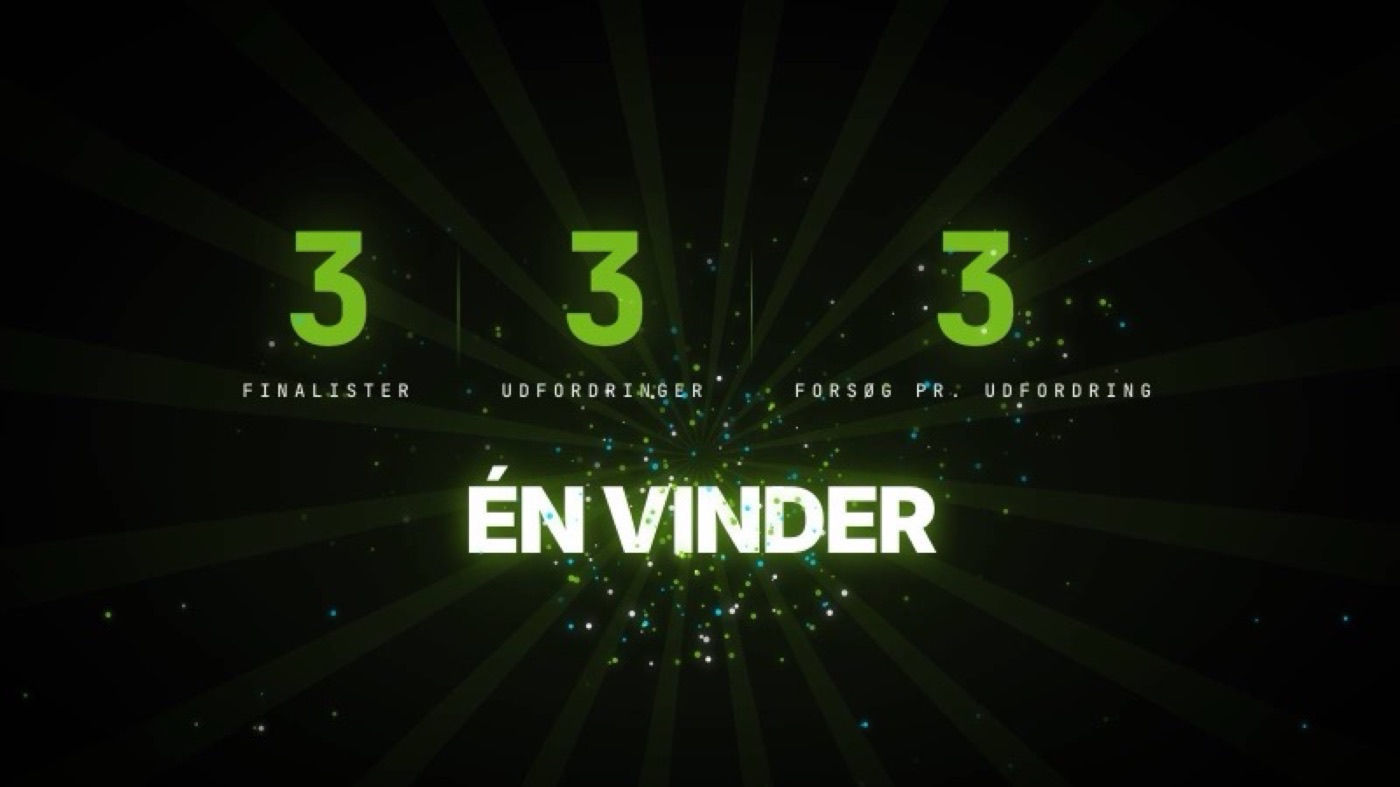
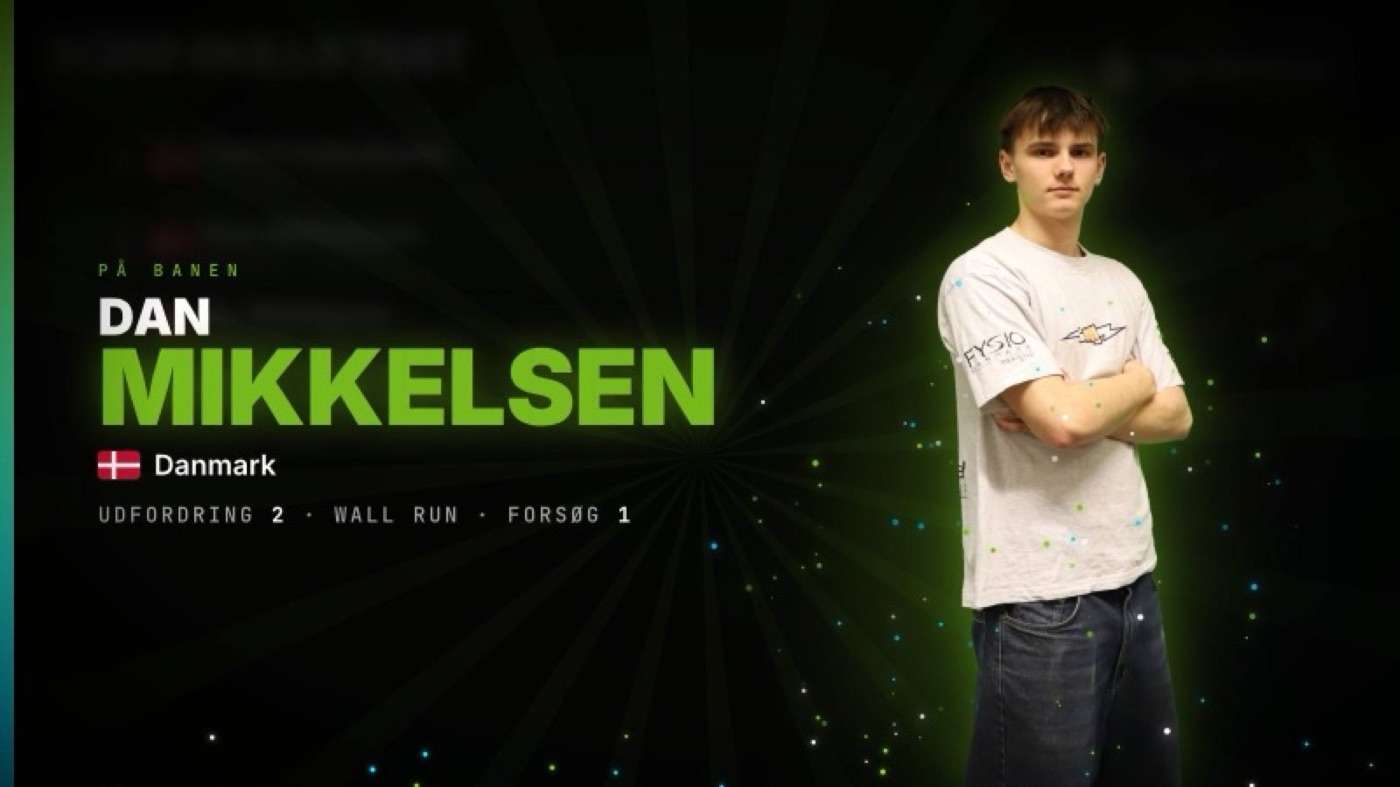
The big screen isn't a table on a projector. It builds up to the final, presents the finalists, shows every verdict in large format and crowns the winner with confetti. All from buttons in the control panel — or a Stream Deck.
The announcer
The announcer has their own screen that follows the final: who's on course, how the name is pronounced, and what happens to the standings if the attempt succeeds.
Audience
The audience scans a QR code and has the competition on their phone. No app to download, no login. And what they do on their phone shows up on the big screen.
Before the competition
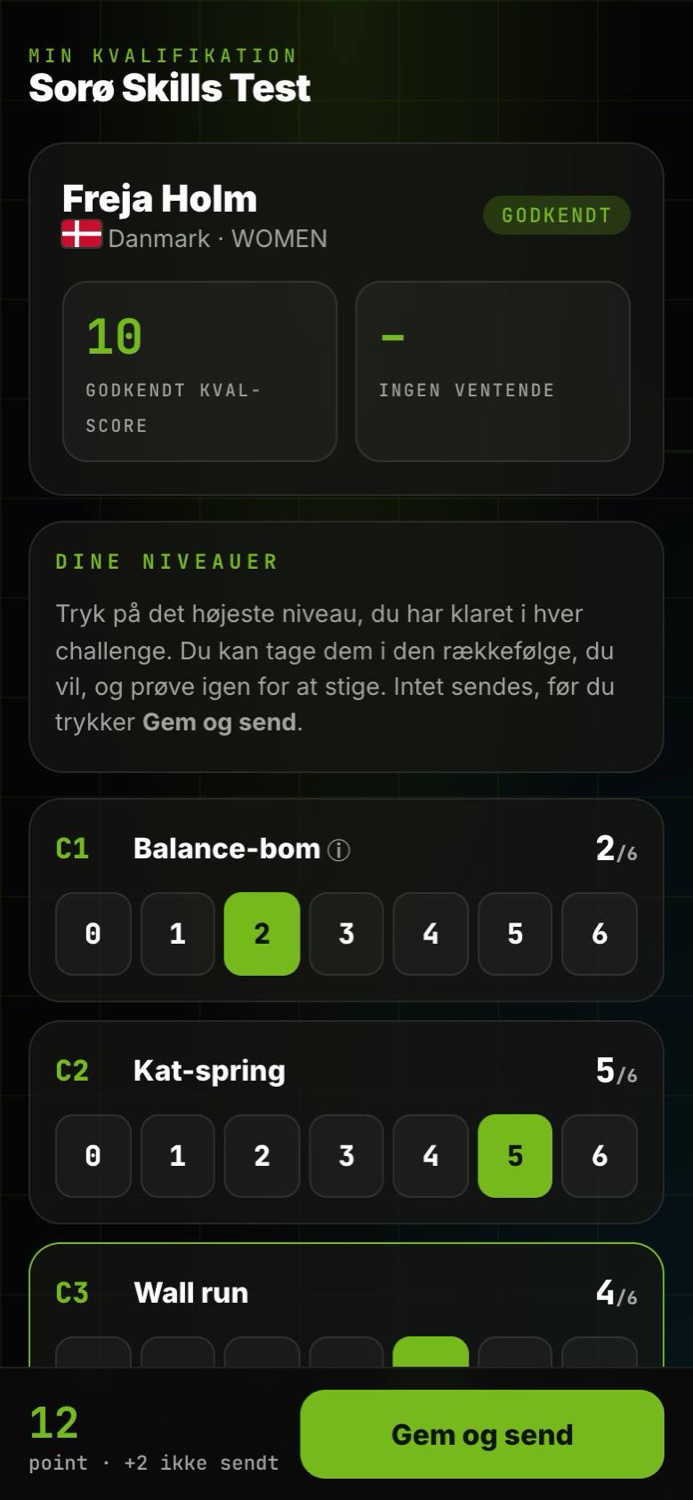
Athletes sign up via a link and get their own page. They take the challenges in any order, retry to climb a level and submit when they're ready. The organiser approves before any points count.
iPhone and Android apps for athletes and audiences are on the way — in Danish and English.
Stream and media
Overlays are added to OBS or vMix as a browser source. They fetch the standings and the athlete on course by themselves, so nobody has to type names in during the show.
After the final
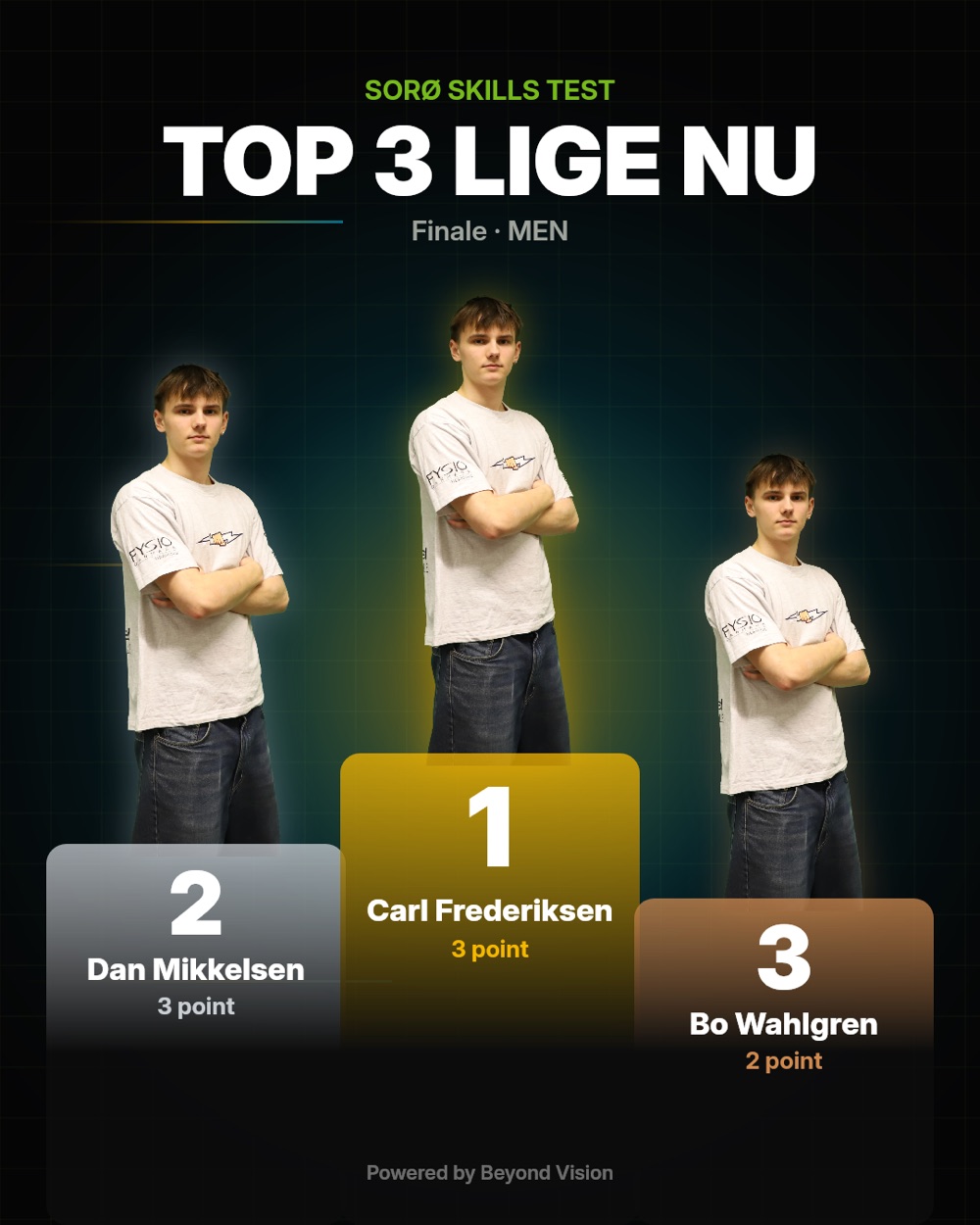
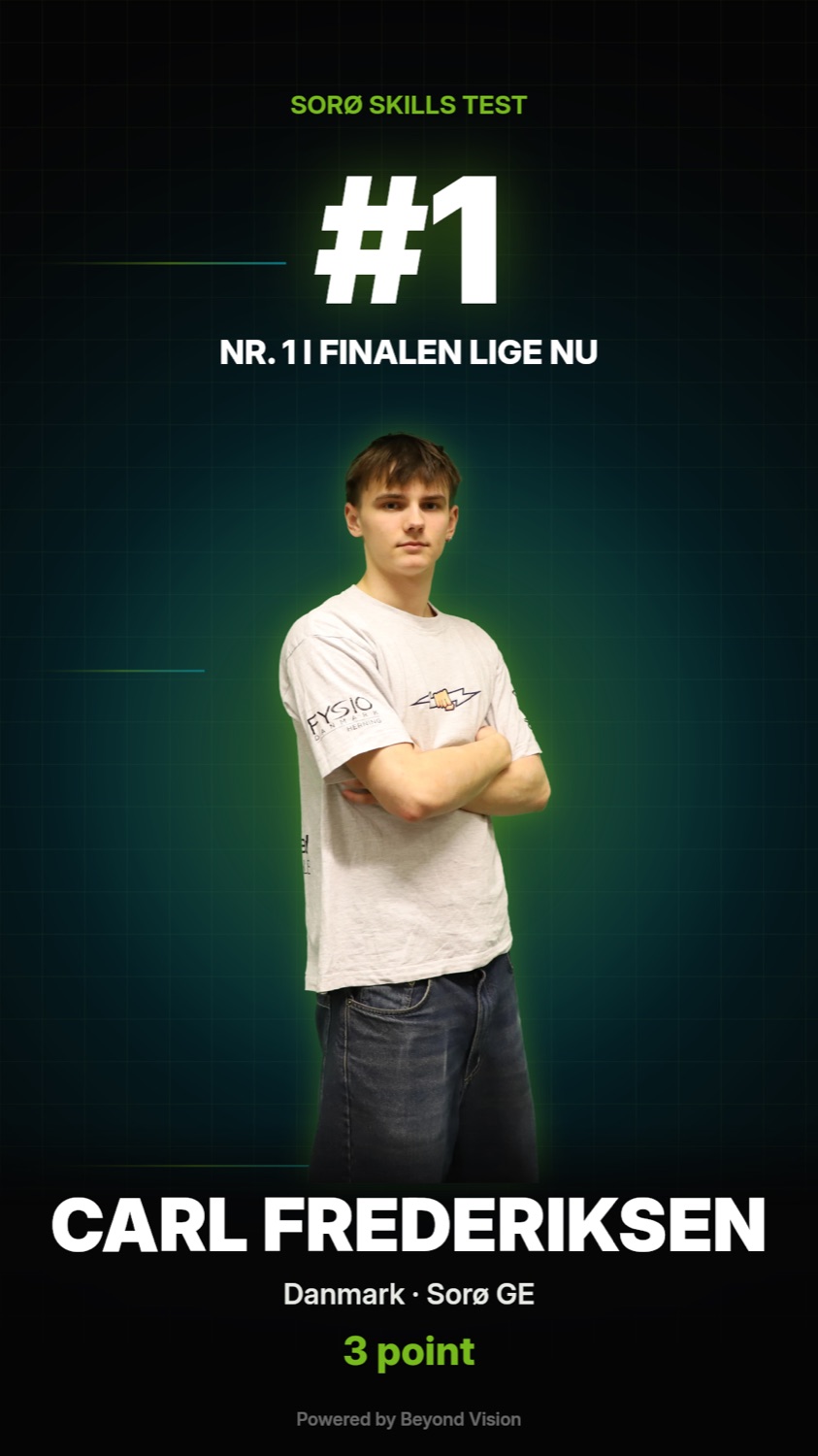
Graphics for Instagram and Facebook are made with one tap, every athlete has a shareable result card, and the report and diplomas are ready as PDFs.

Operations
The system runs on our own server in Denmark. No Firebase, no third-party cloud and no data sitting somewhere we can't point to.
In use
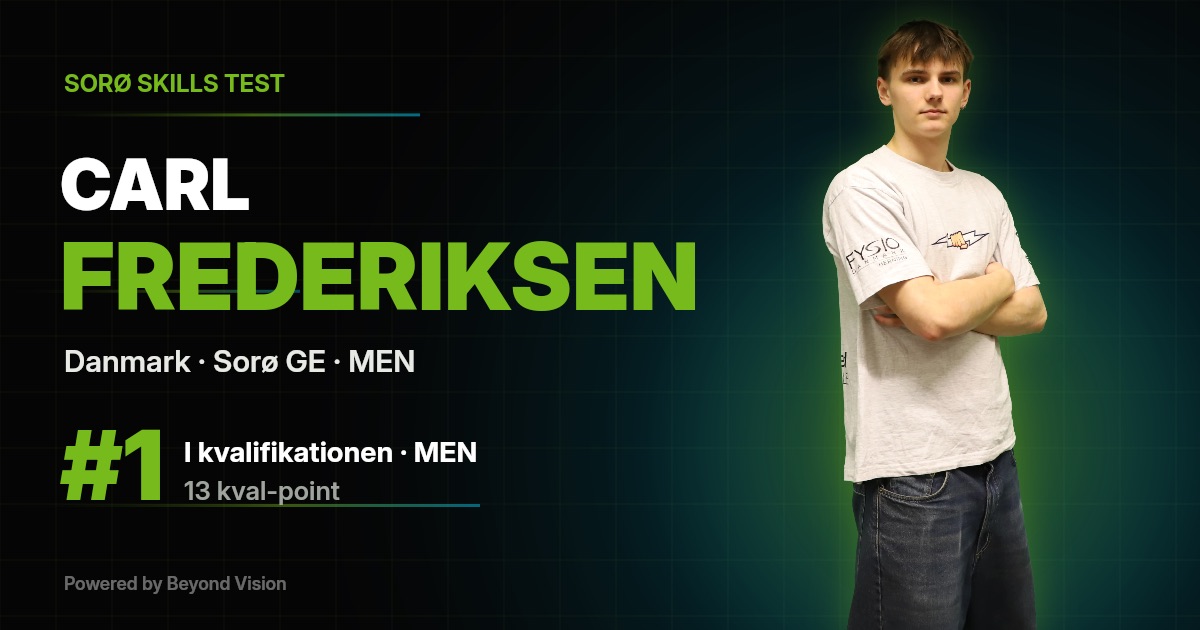
Around 100 participants went through OSIS Competition Suite at Sorø Skills Challenges. Judges scored on their own devices, points were totalled automatically, and the standings were on the big screen while the competition was running.
The format is parkour, but everything can be configured: number of challenges and levels, categories, number of finalists, challenges and attempts, scoring, decision rule and whether the qualification score counts in the final. That makes it a fit for skills competitions in other sports too.
Pricing
Running one competition a year? Pay per event — run it yourself or with us in the back office. Running several? A subscription is cheaper. Subscriptions run for 12 months at a time. All prices exclude VAT.
Per event
Subscription
Modules per event
Service
Next step
Send us the format and a list of participants. We'll set the competition up in the system, and you can click through an entire final — big screen and judging panel included — before you decide anything.